

 AU
AU
 USA
USA Canada
 UK
UK EU
EU New Zealand
 Japan
Japan Singapore
 UAE
UAE India
India South Korea
Thunderbolt 4 BLAZE Docking Station


Thunderbolt 4 BLAZE Docking Station
Couldn't load pickup availability
Specifications
Specifications
Downloads
Downloads

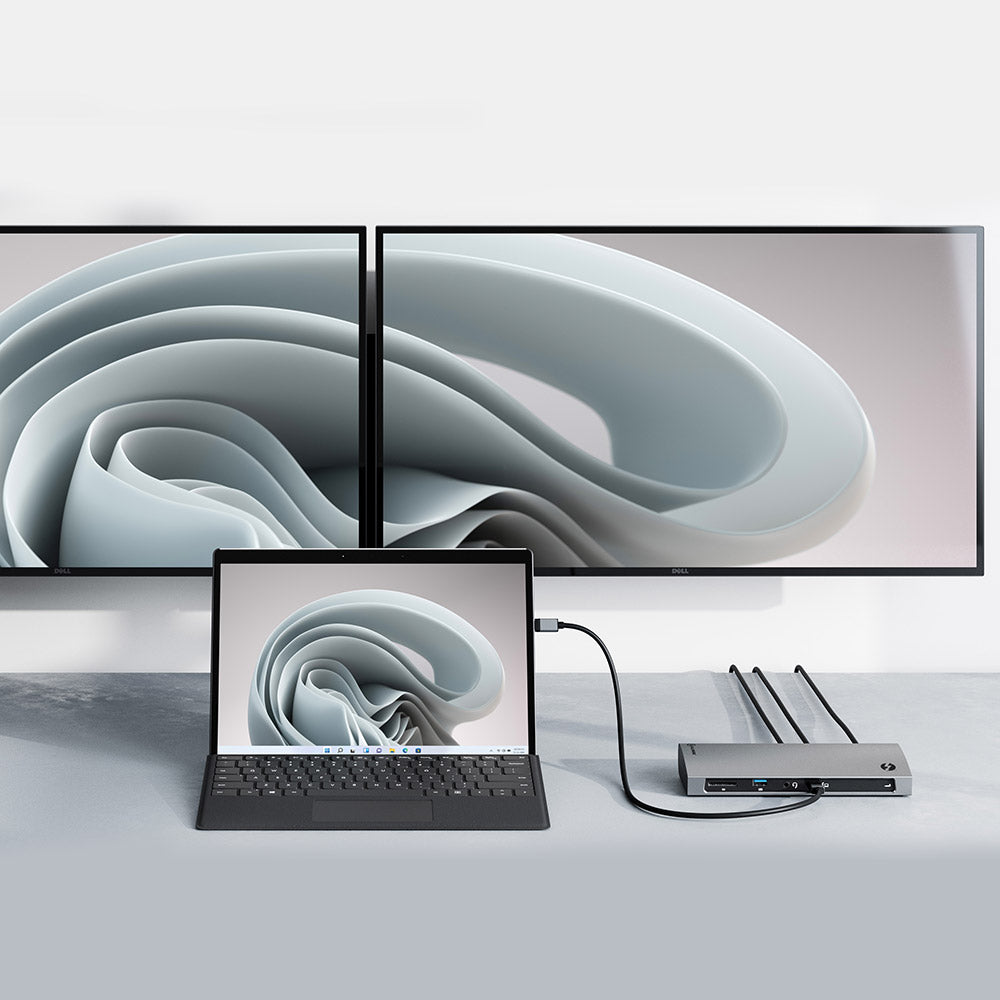
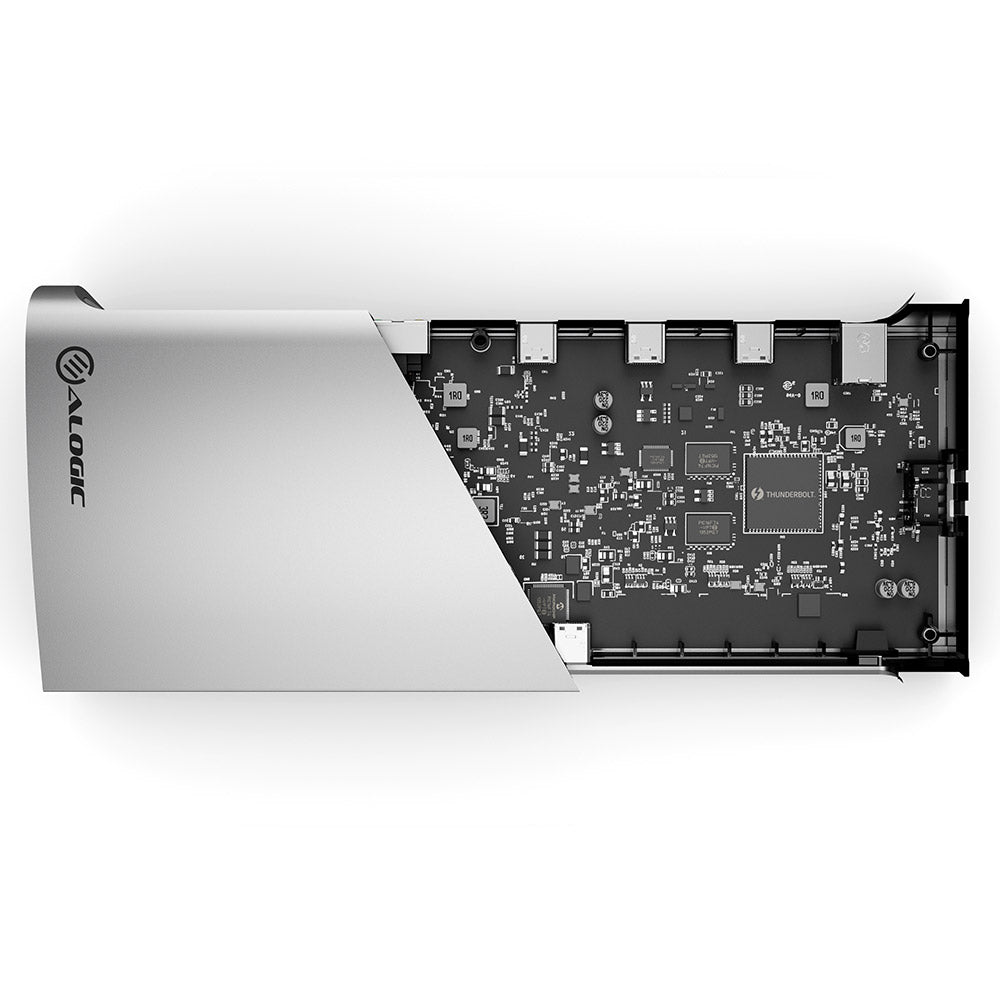
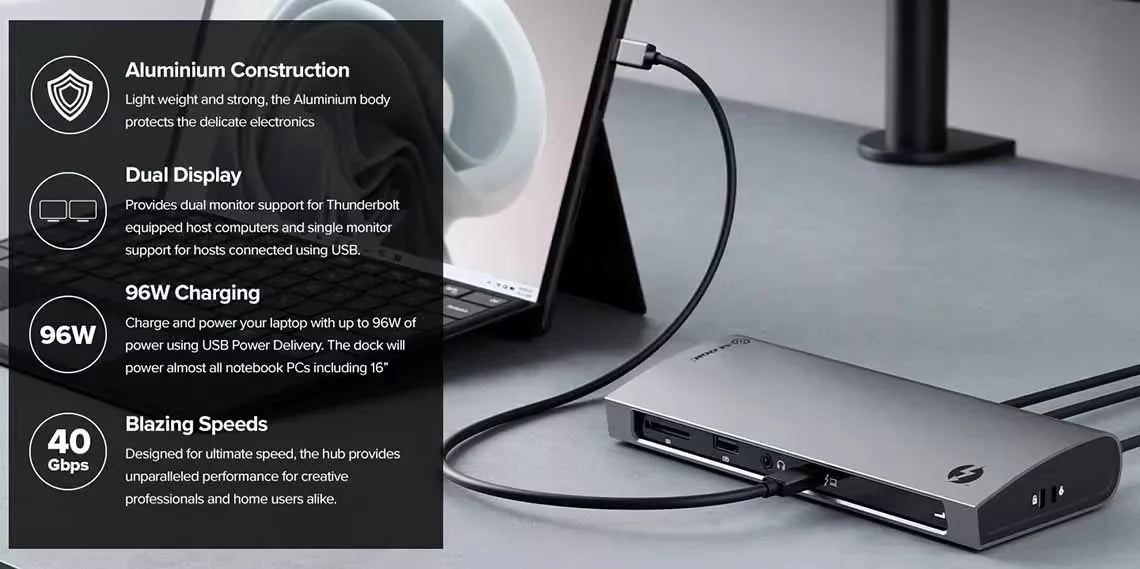
Perfect for when speed and performance matter, this Thunderbolt™ 4 certified dock can handle 40Gbps of data, allowing you to connect to two displays with a single cable, or maximise high-speed peripherals like external hard drives. Unlike existing Thunderbolt™ docks which only provide a single Thunderbolt™ downstream port, the BLAZE dual monitor docking station can connect up to three downstream Thunderbolt™ or USB 4.0 peripherals. SD card, Ethernet and USB-A connections make BLAZE an invaluable tool for creative professionals and power users alike.


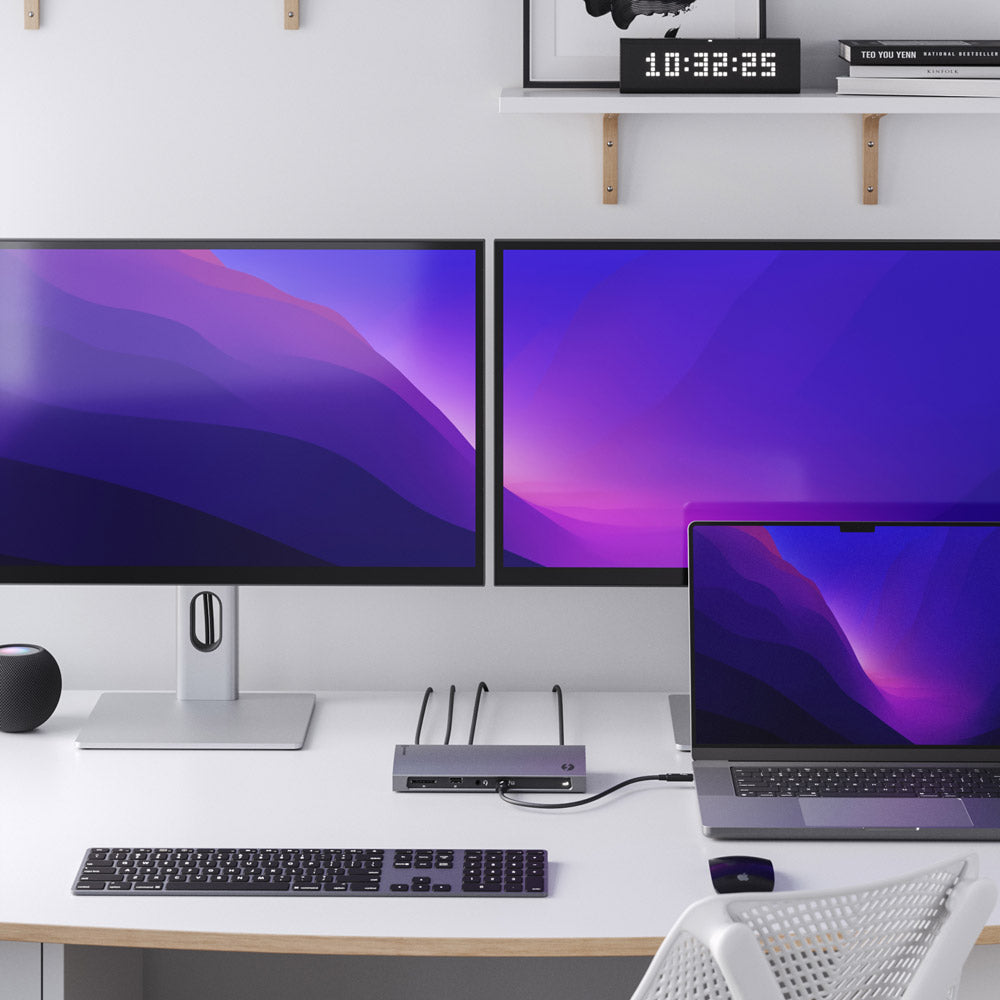
The BLAZE Thunderbolt™ 4 dock connects Thunderbolt computers to two 4K displays, while USB-C DP Alt Mode computers can connect to one 4K screen:
- Thunderbolt 3 or 4: Dual 4K monitors at 60Hz
- USB-C (DP Alt Mode): Single 4K monitor at up to 60Hz
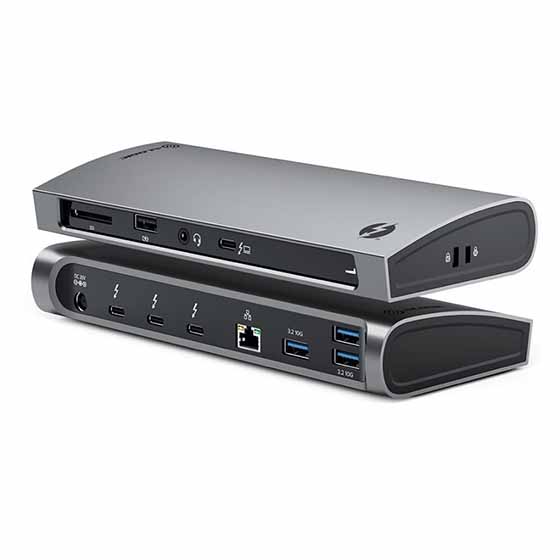
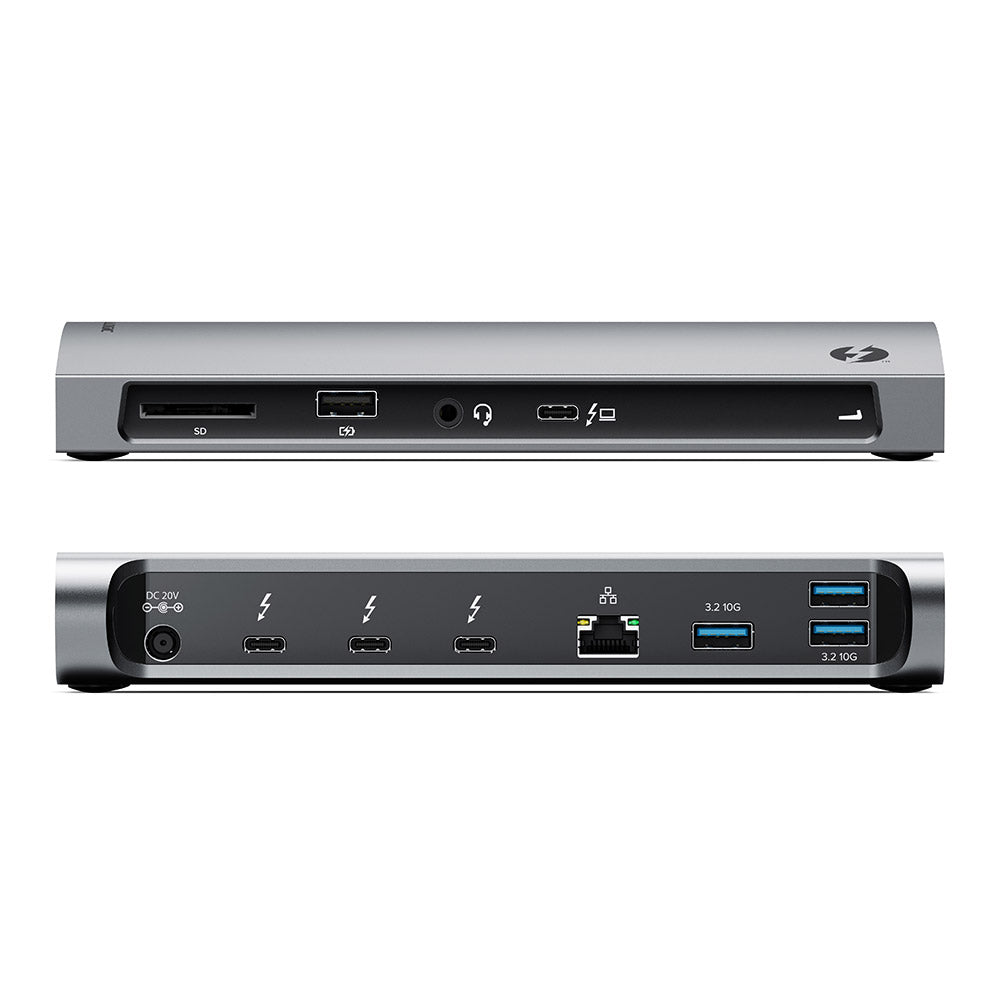
The BLAZE Thunderbolt™ 4 certified 4k docking station features ten ports that allow users to connect to a wide variety of peripherals, including:
- 3 x Thunderbolt/USB-C (40Gbps)
- 3 x USB-A (10Gbps)
- 1 x USB-A with Mobile Device Charging (480Mbps)
- Gigabit Ethernet
- Combo Headphone/Microphone Audio Jack
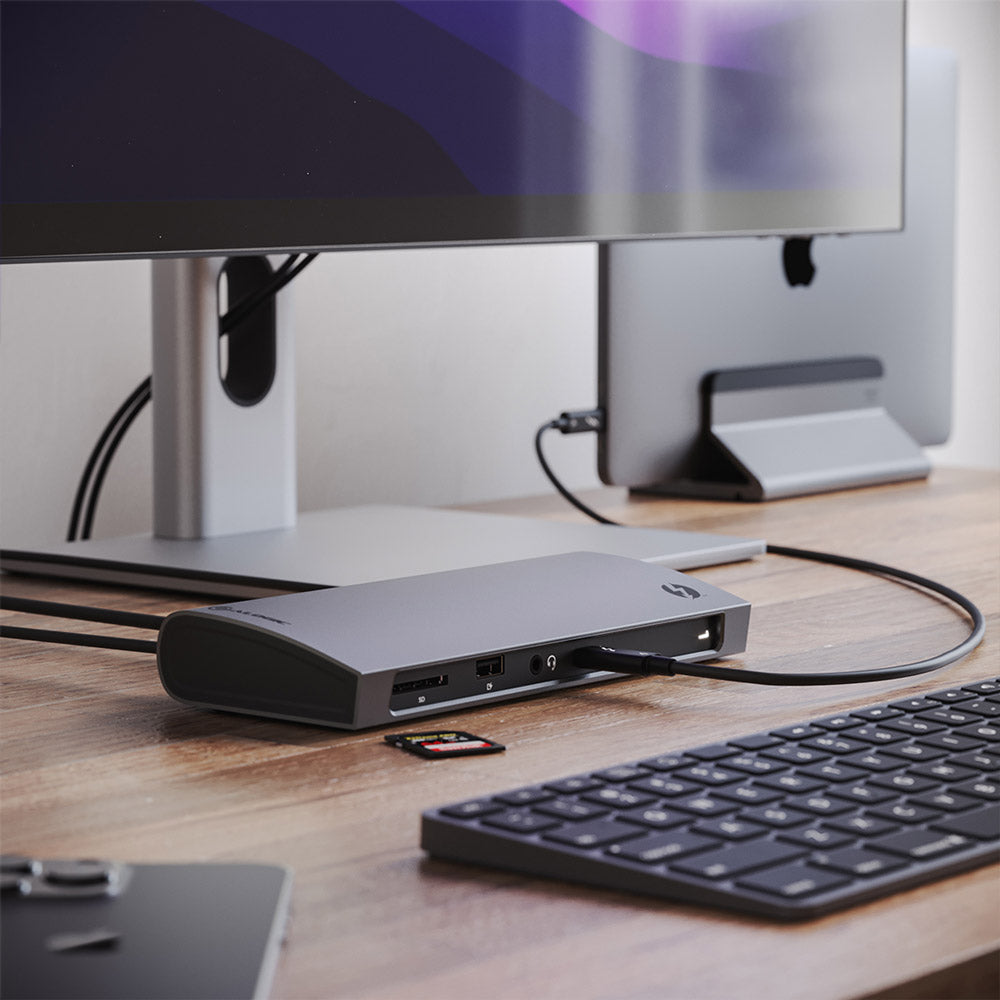
- SD 4.0 Card Reader
- Single Cable Simplicity


The BLAZE docking station doesn’t just provide your computer with ten extra connections – it does so over a single Thunderbolt™ 4 cable. In addition to its versatile data and video options, BLAZE’s single cable provides up to 96W USB-C PD laptop charging, sufficient to power most including 16” MacBooks.

General
Dual Display: 4K (3840 x 2160) at 60Hz*USB-C USB 3.x Hosts
Single Display: 4K (3840 x 2160) at up to 60Hz
* M1 based Apple devices can only support a single external monitor connected via Thunderbolt or USB-C DisplayPort Alternate Mode.
USB-C port must be DisplayPort 1.4 Alternate Mode compatible for 4K output at 60Hz. Machines supporting DisplayPort 1.2 will output resolutions up 2560x1600 at 60Hz or 4K at 30Hz.