

 AU
AU
 USA
USA Canada
 UK
UK EU
EU New Zealand
 Japan
Japan Singapore
 UAE
UAE India
India South Korea
Illuminate USB-C Light Bar with 4K Autofocus Webcam


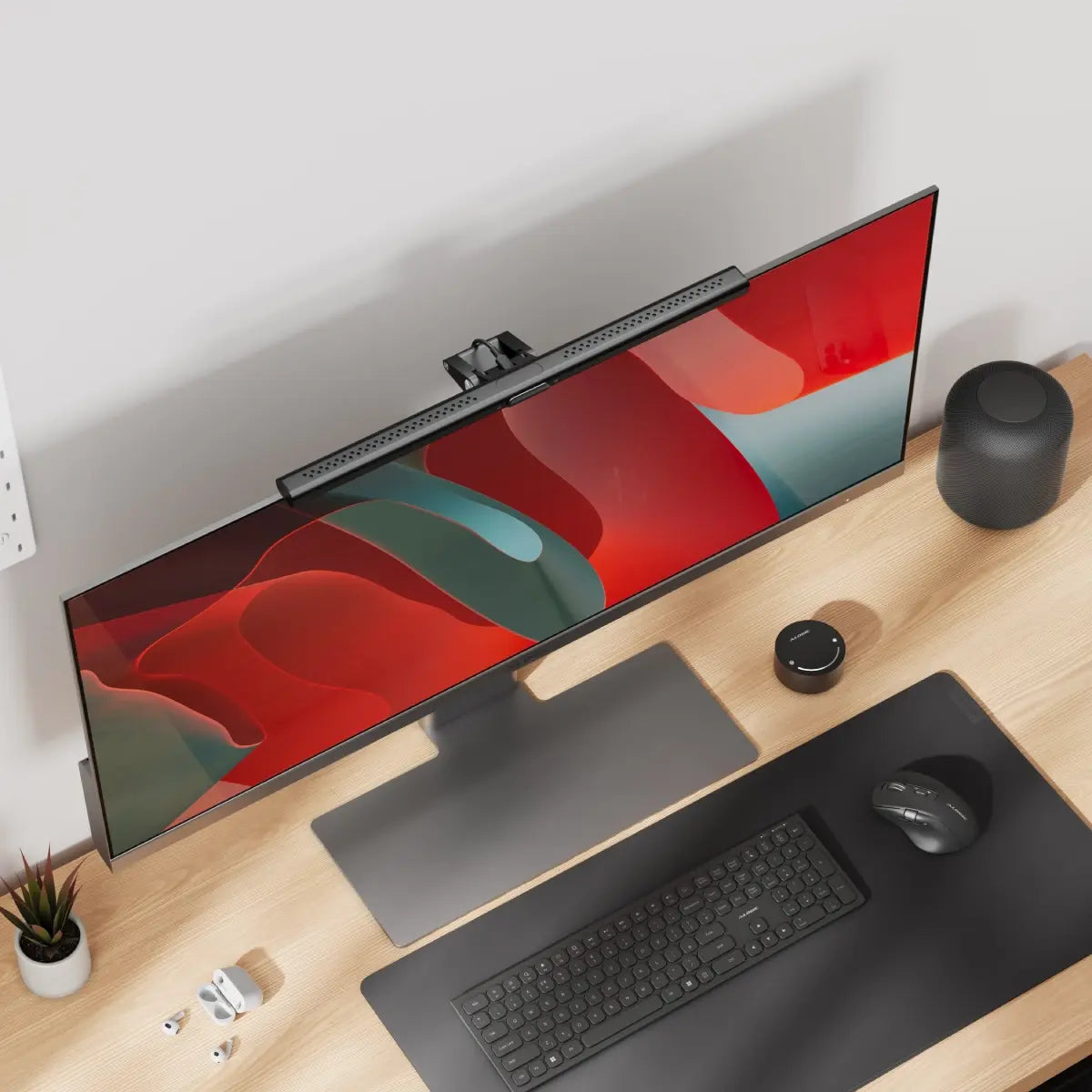
Illuminate USB-C Light Bar with 4K Autofocus Webcam
Couldn't load pickup availability
Specifications
Specifications
Downloads
Downloads
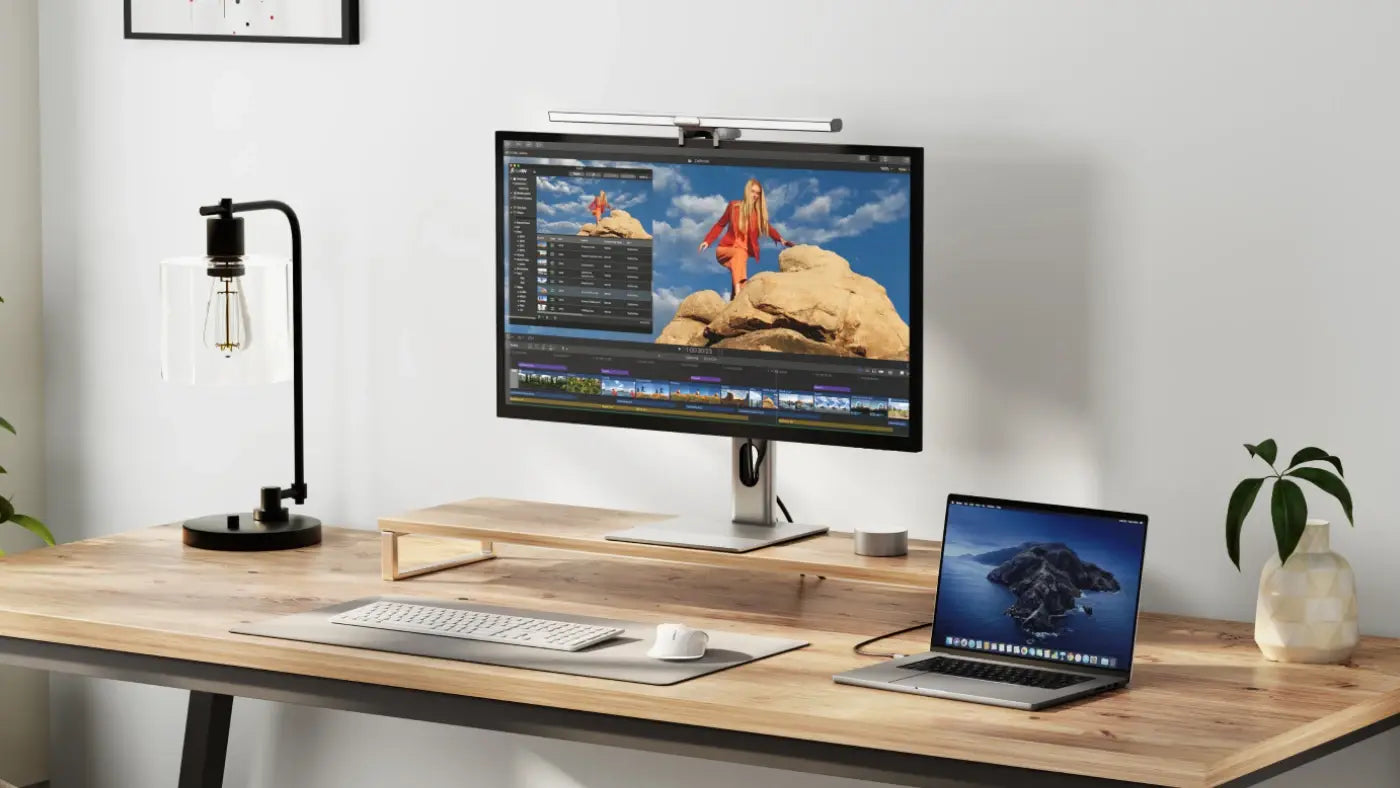
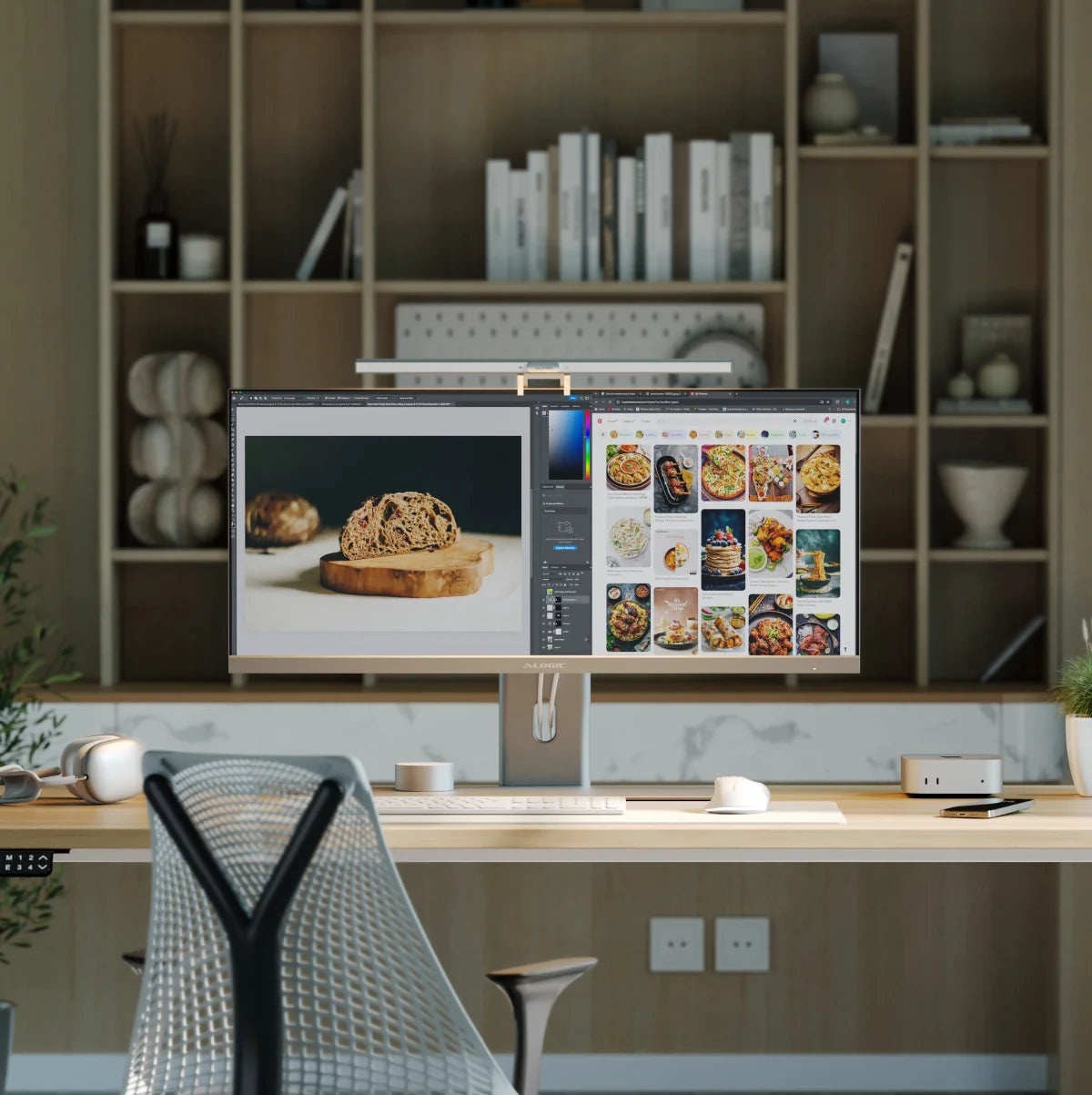
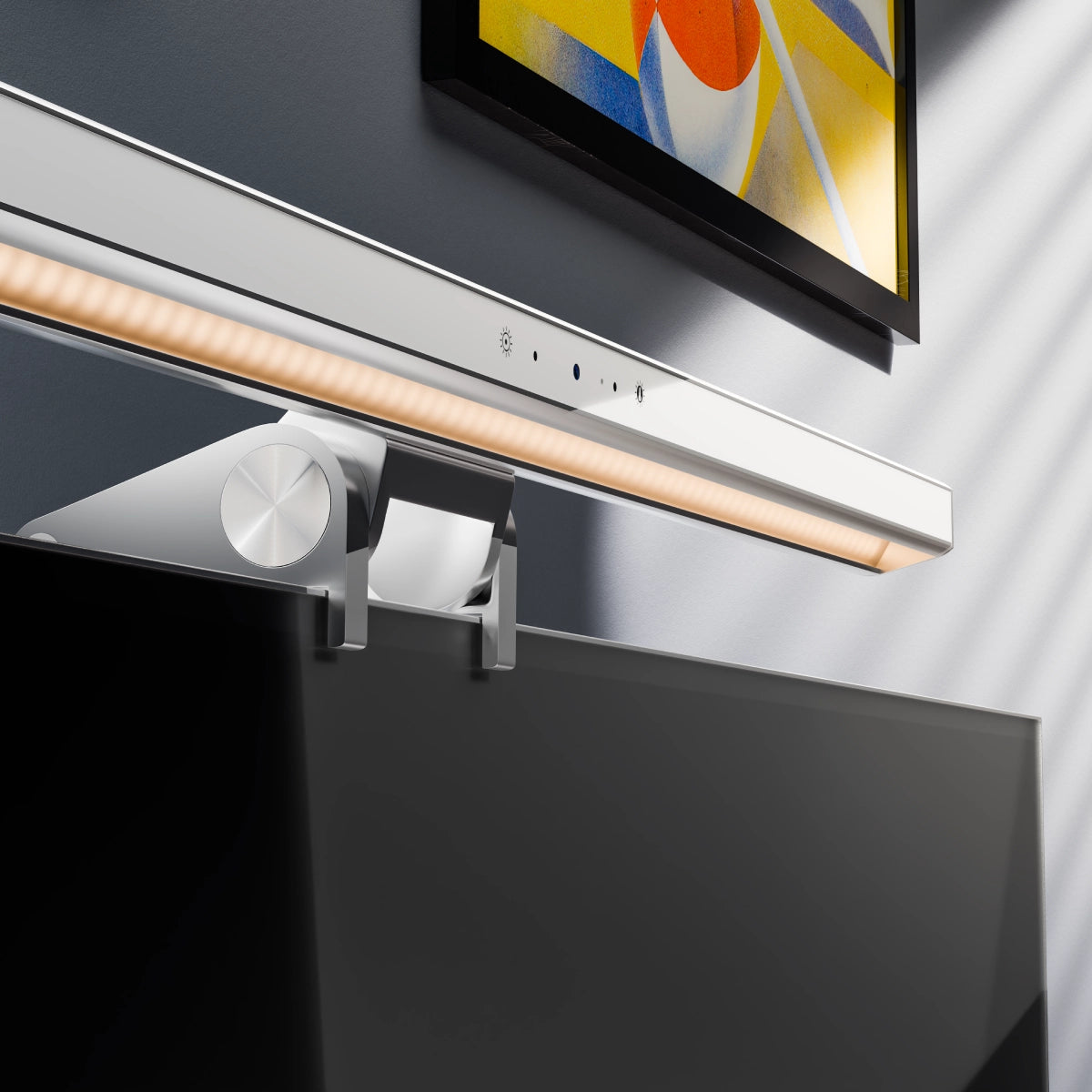
Fully adjustable, Illuminate puts you in control of your workspace with warm or neutral lighting that doesn’t add any unwanted glare to your computer screen.

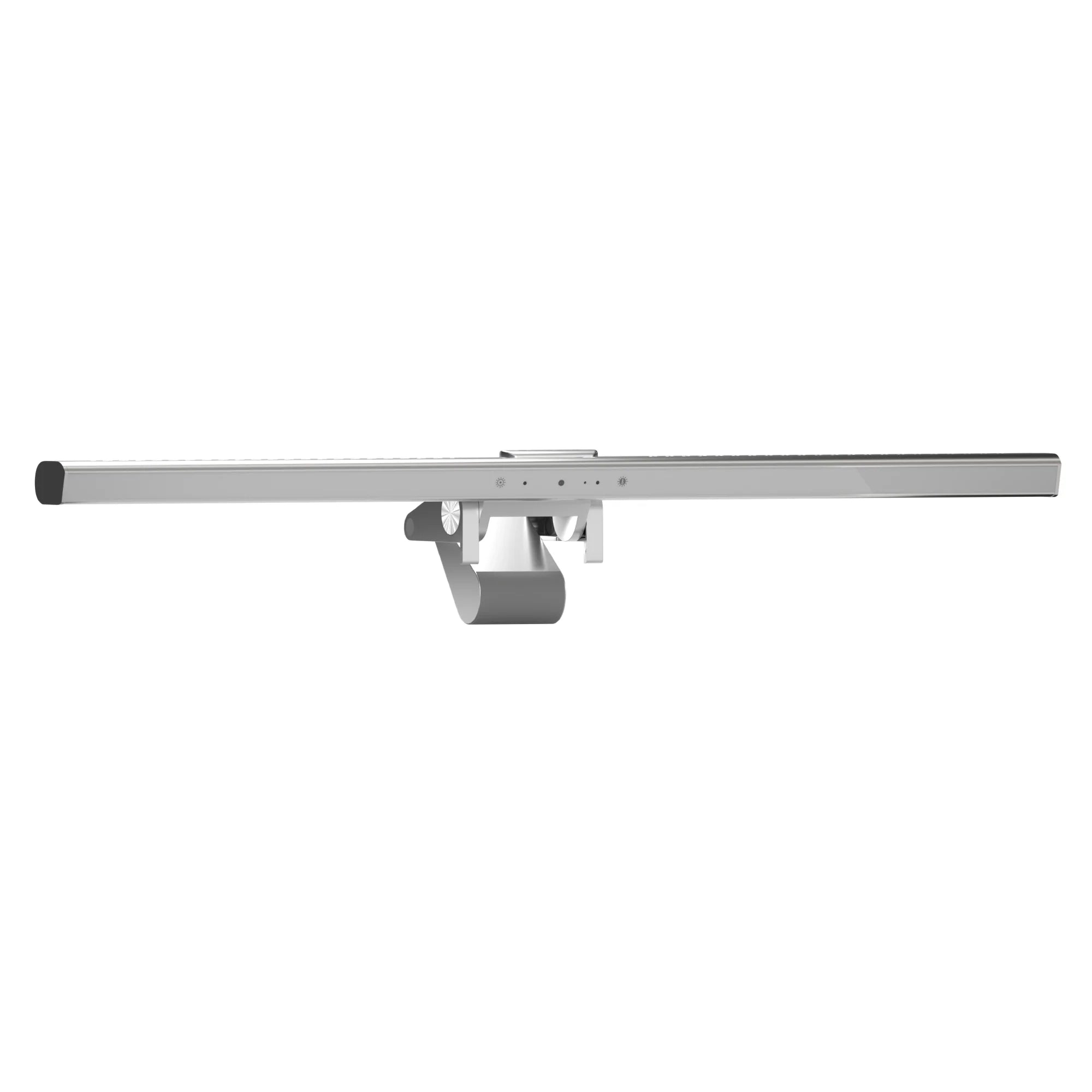
Intuitive touch controls make it quick and easy to adjust Illuminate's brightness and colour temperature.

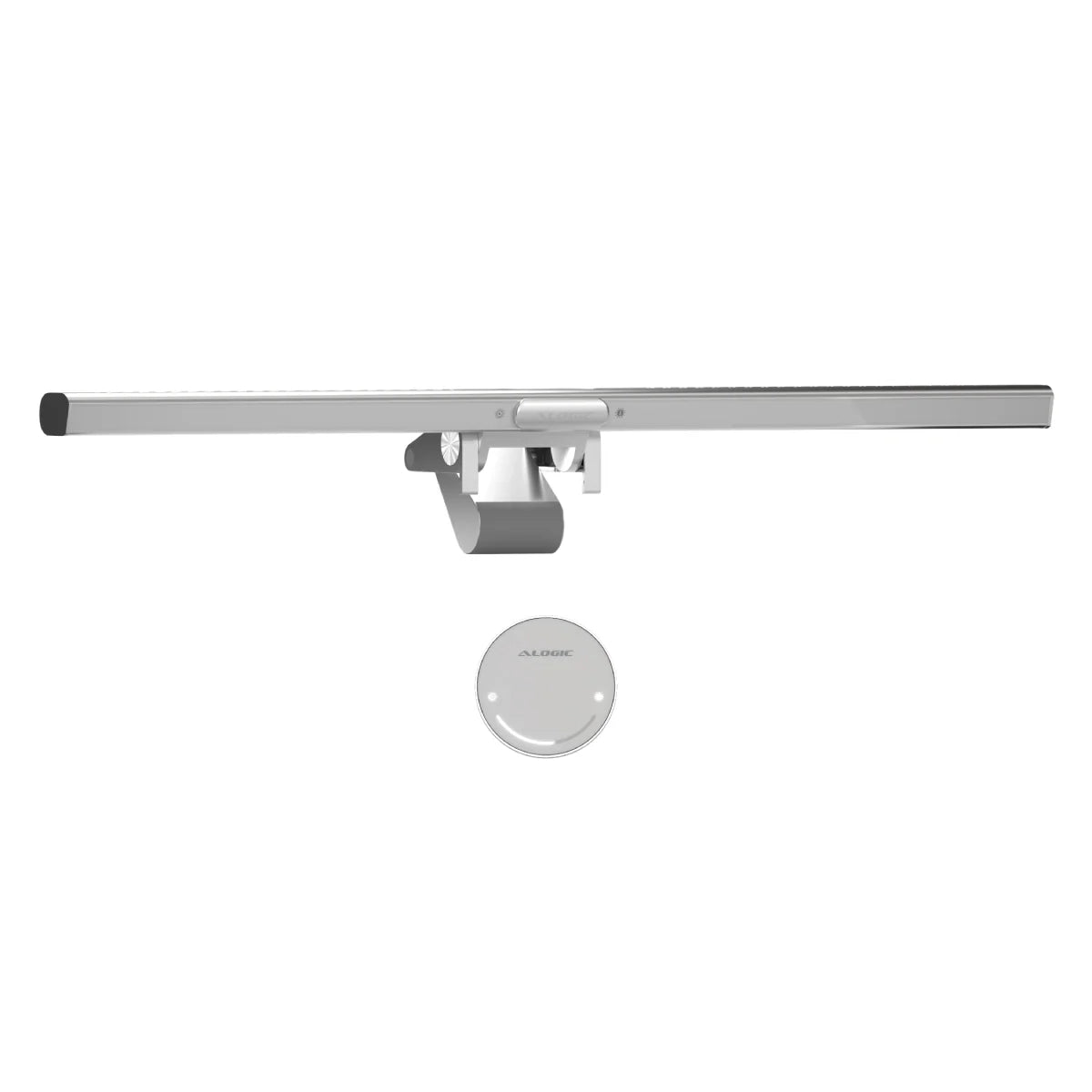
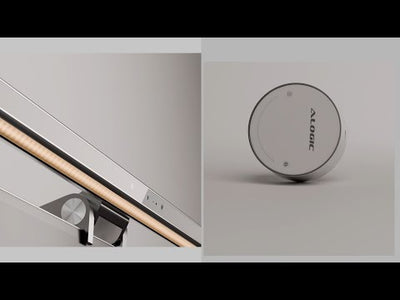
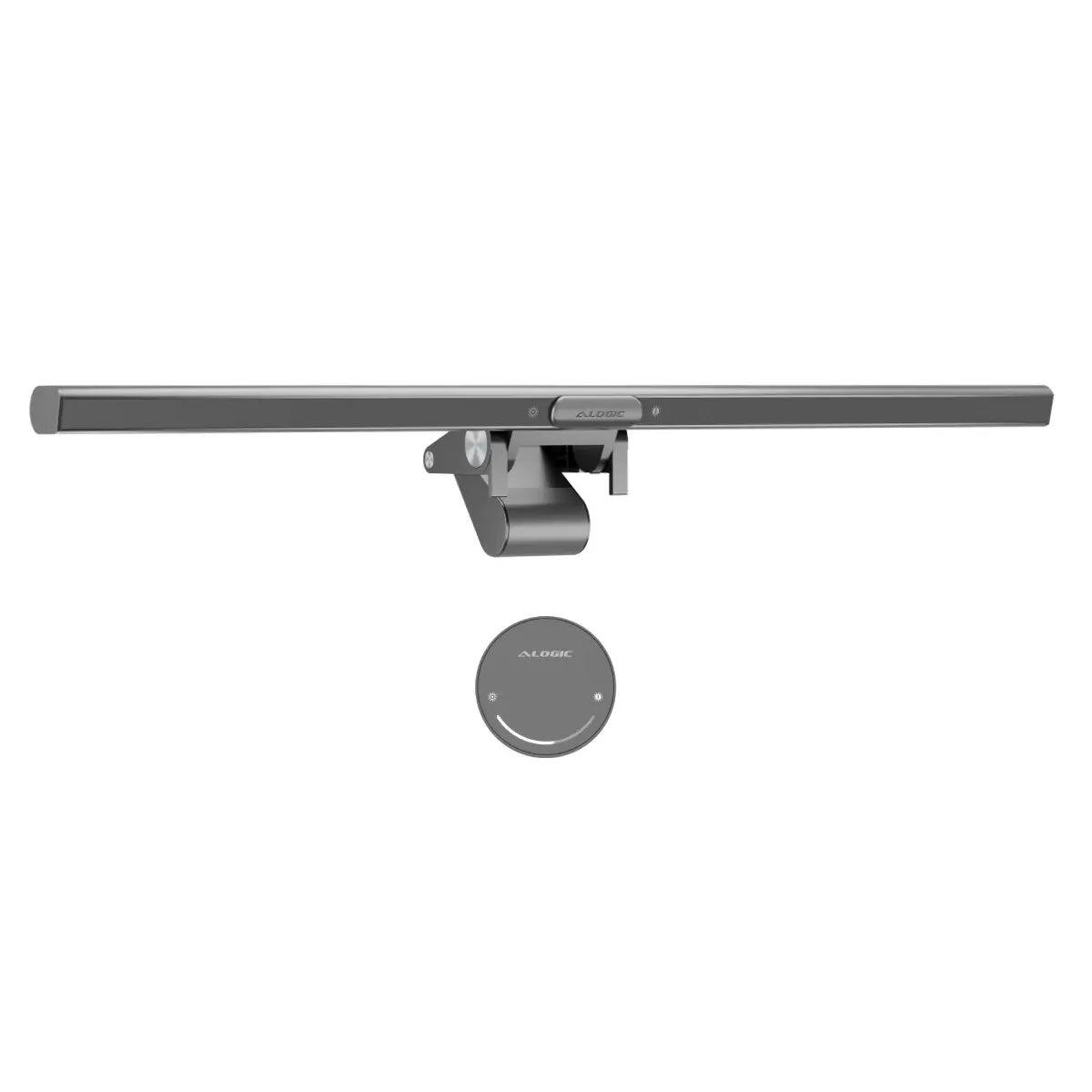
Swipe to adjust the light with Illuminate's snap-on magnetic remote control dial.

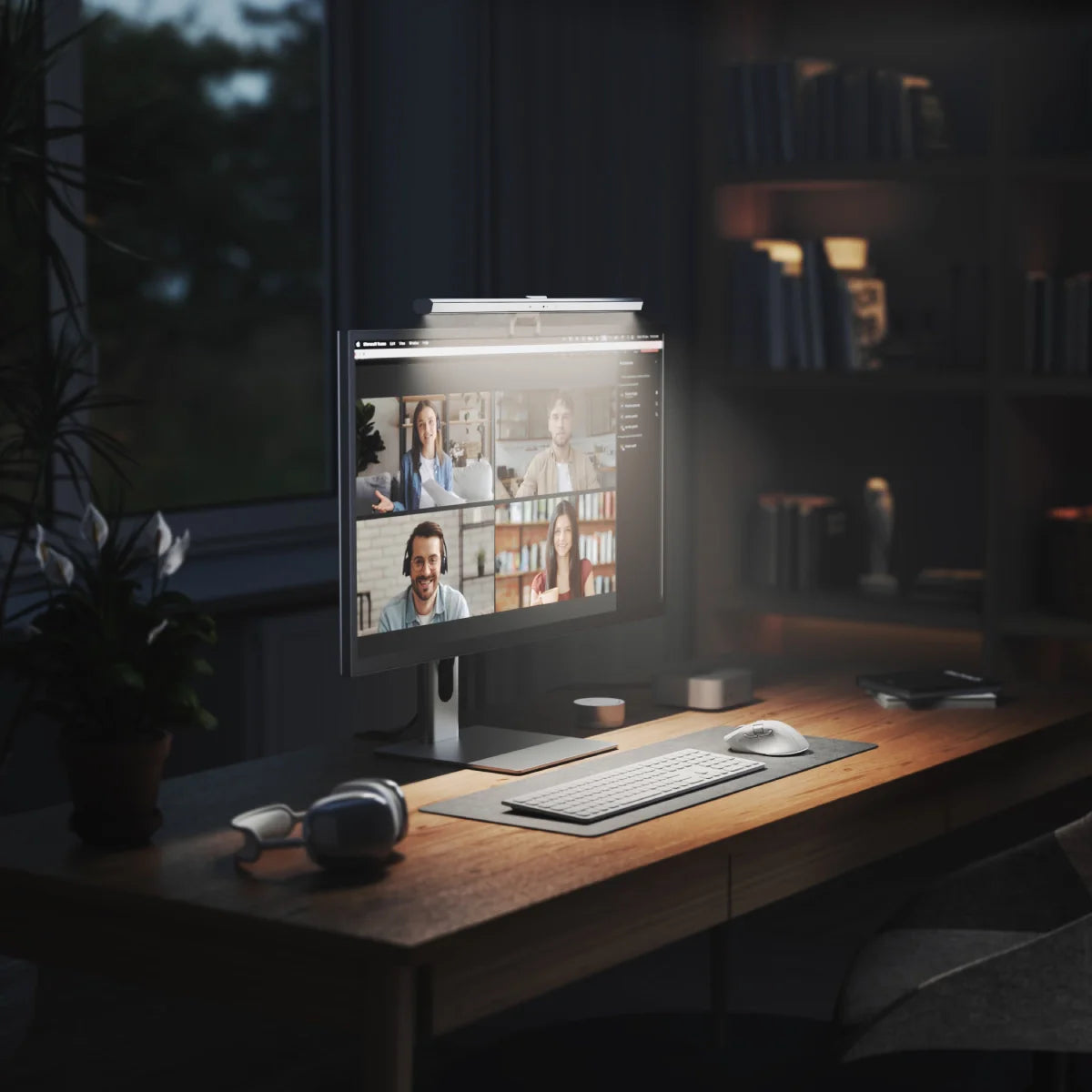
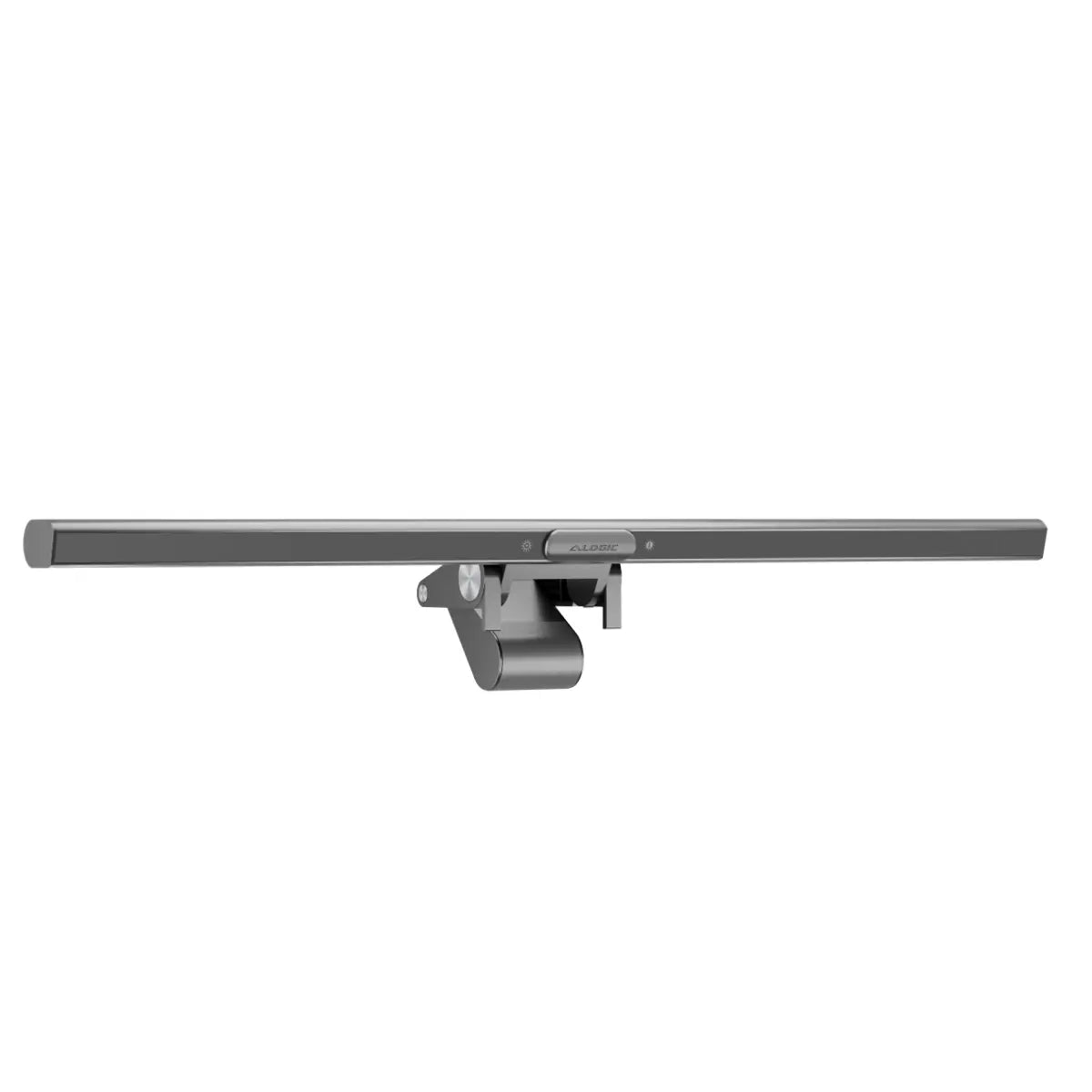
If you're still using your laptop's low-angle, unflattering webcam for video calls, you owe it to yourself to try something better. Fully compatible with Mac and Windows, Illuminate's wide-angle 12MP (4K) autofocusing webcam is perfect for meetings, streaming and video recording.
When your call is over, just snap-on Illuminate's magnetic privacy cover over the webcam for peace of mind. Additionally, Illuminate's bright status LED makes it easy to tell when you're sharing.

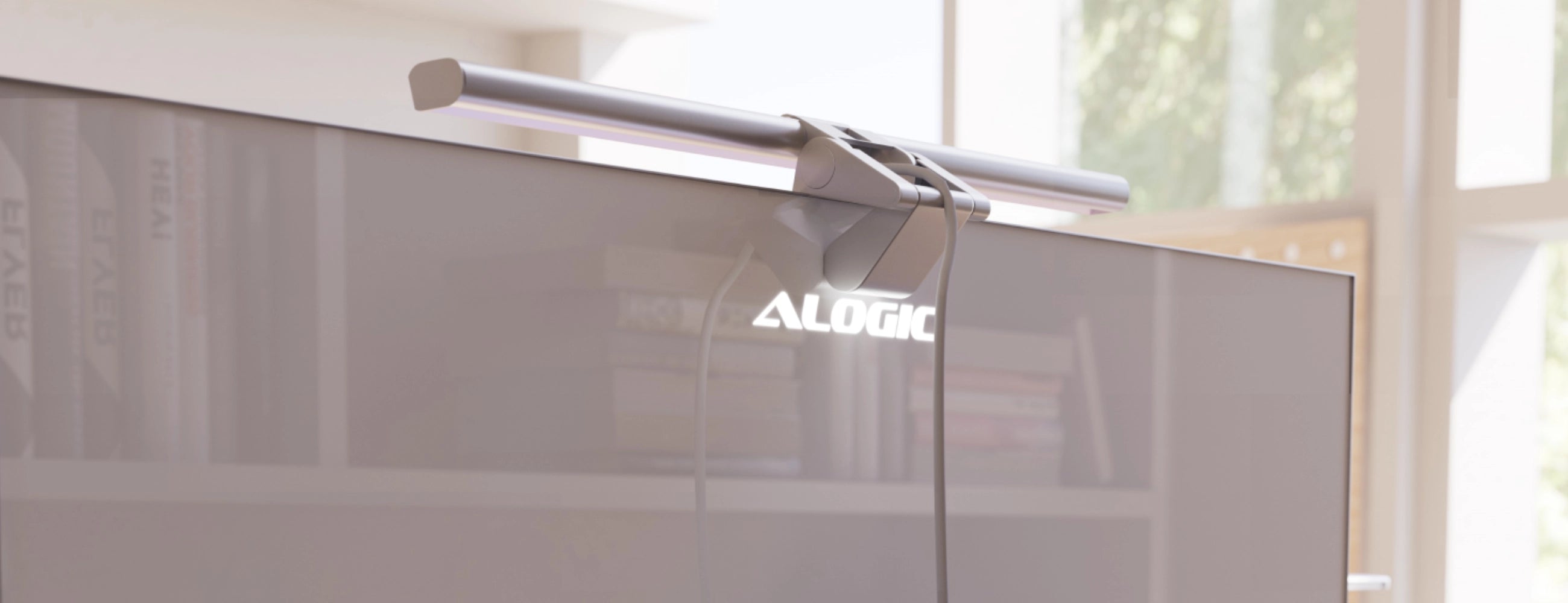
Illuminate's flexible mount allows for tilting to angle the camera or light.

Just unfold the mount, place it on your monitor, and push to secure.

Ensures that Illuminate stays in place, without scratching your monitor.

While Illuminate light bars work with any monitors 8-30mm thick, they’re colour matched to our Edge Ultrawide Monitors, providing a perfectly angled 4K webcam powered via Edge’s USB-C ports.
Simply connect Illuminate to your computer or monitor's USB-C port and it's good to go.


General
Illuminate can be used with either a USB-A or USB-C port, as long as it supports 5V (5V/1A) of power and USB 2.0 (or newer) data transfer.
We recommend consulting the product’s user manual, or the manufacturer’s website to make sure your port supports Illuminate before purchase.
Illuminate does not include a USB-C to USB-A cable, but is compatible with USB-C to USB-A adapters (such as the Ultra USB-A to USB-C Mini Adapter ) or any USB-C to USB-A cables.