Skip to content

🏷️ Black Friday Sale | Up To 50% Off

AU
Cart
Welcome to the Cutting Edge

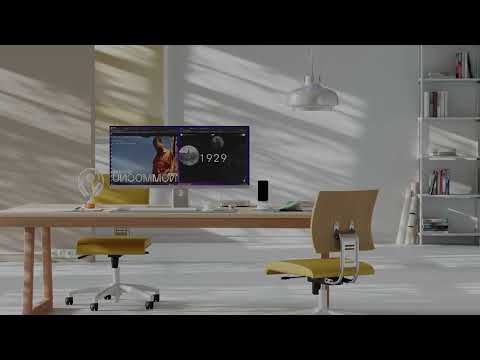
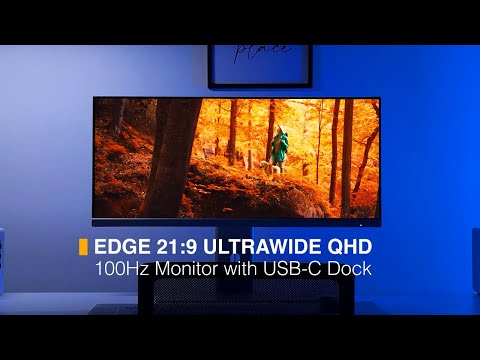
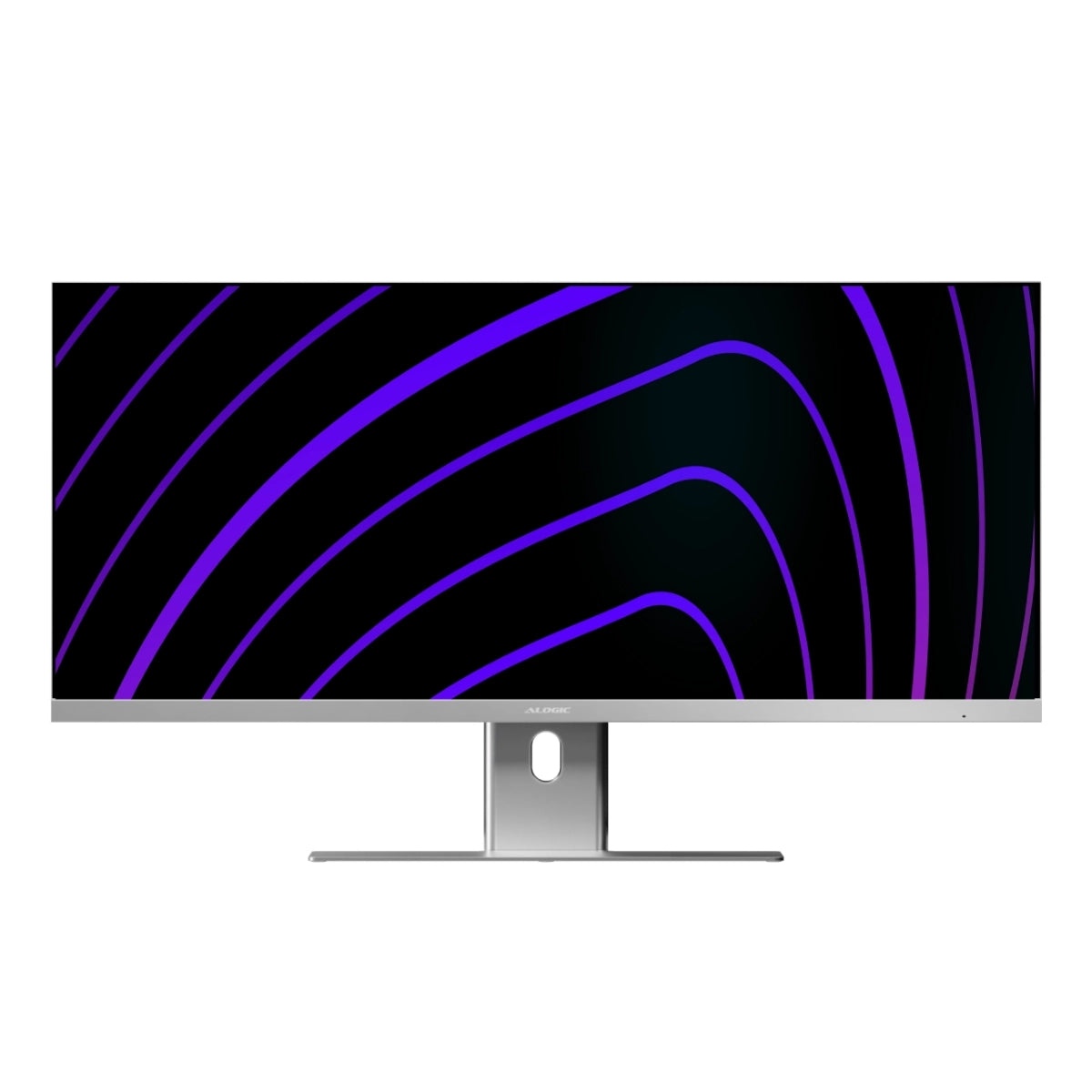
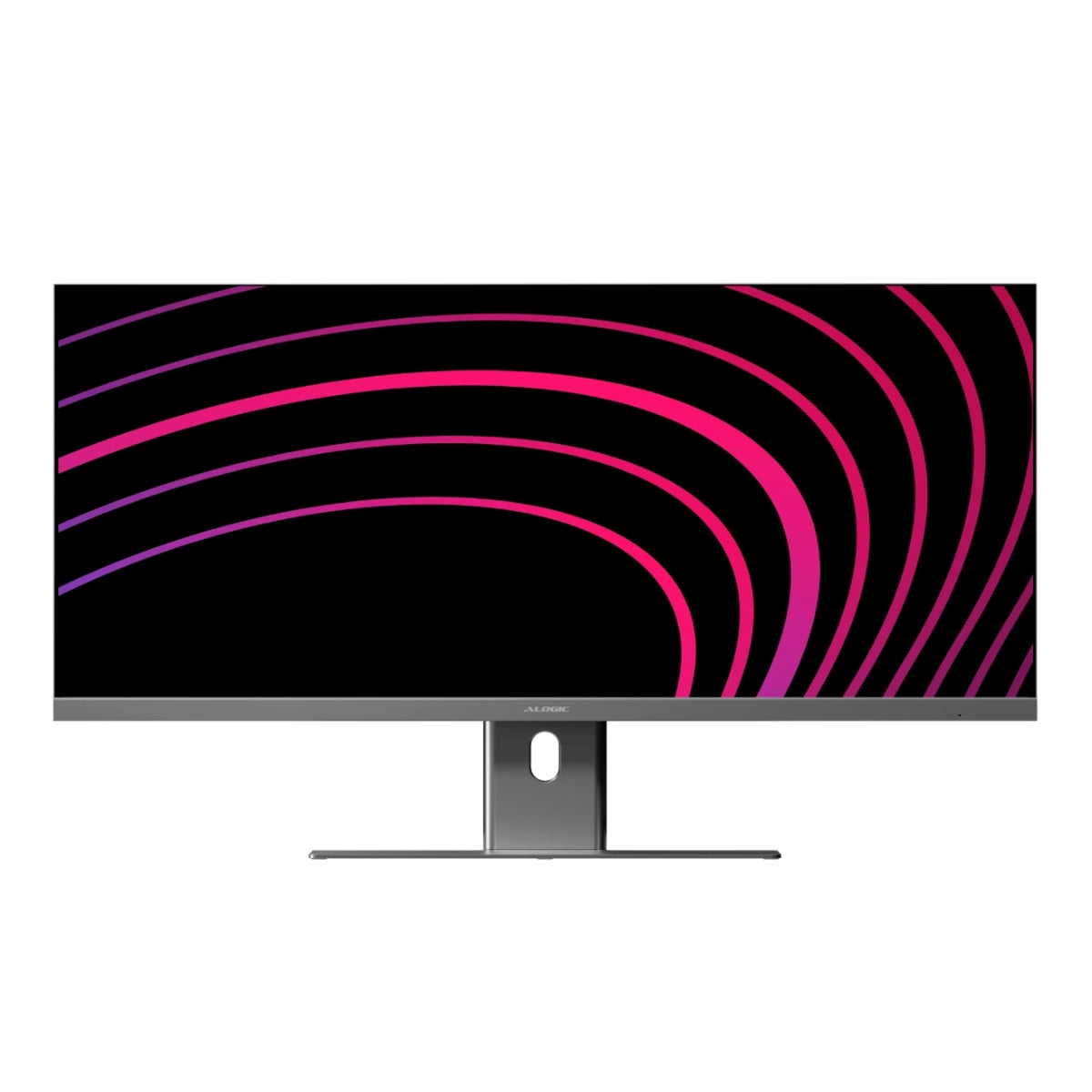
Spectacular. Ultrawide. Laptop Charging. Edge is the perfect centrepiece for your workspace at home or in the office.

See More in Ultrawide

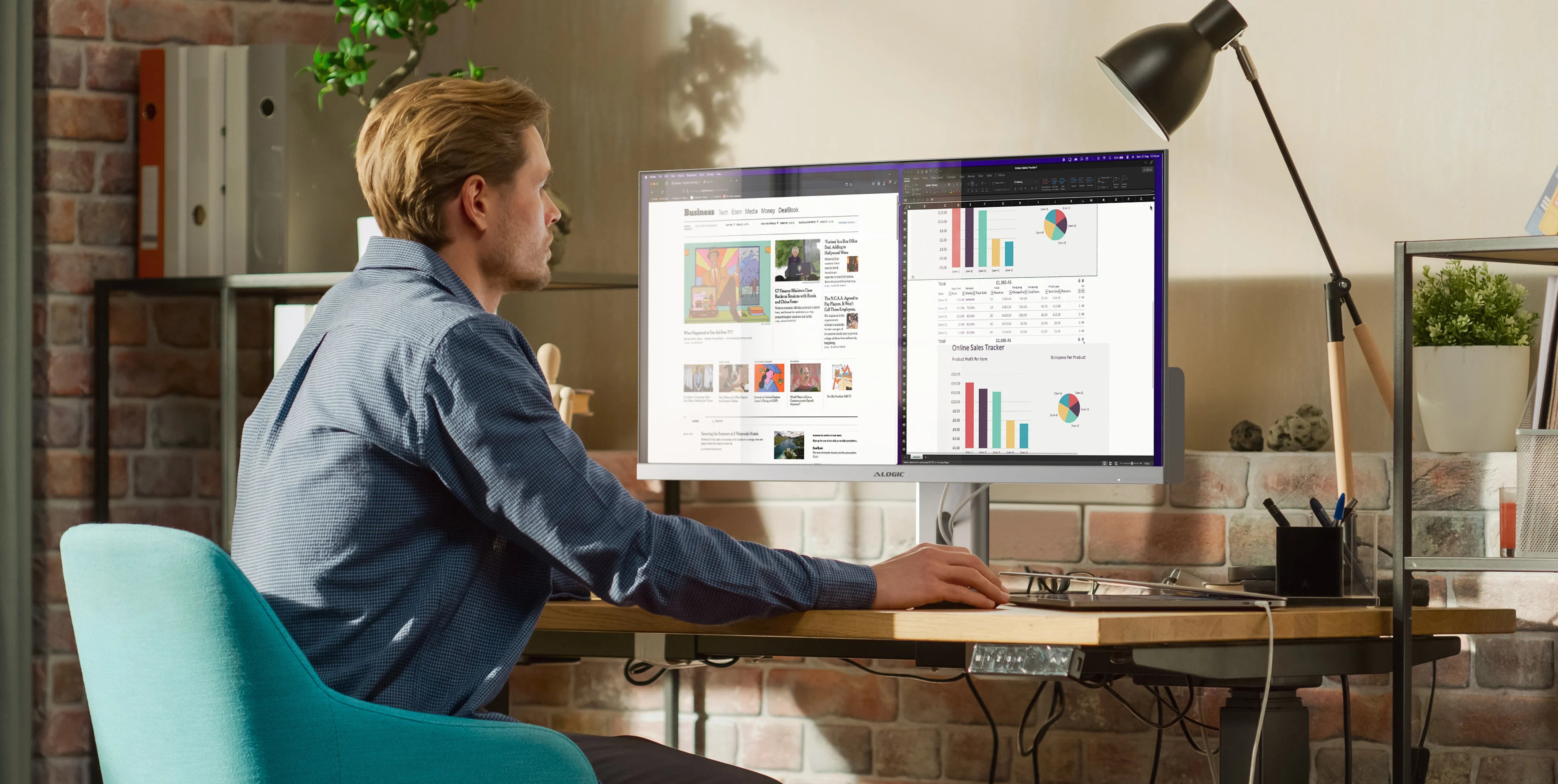
Edge's 21:9 ultrawide screen is perfect for video editing, music composition and handling spreadsheets that can't be contained in 16:9.

Perfect for Multitasking

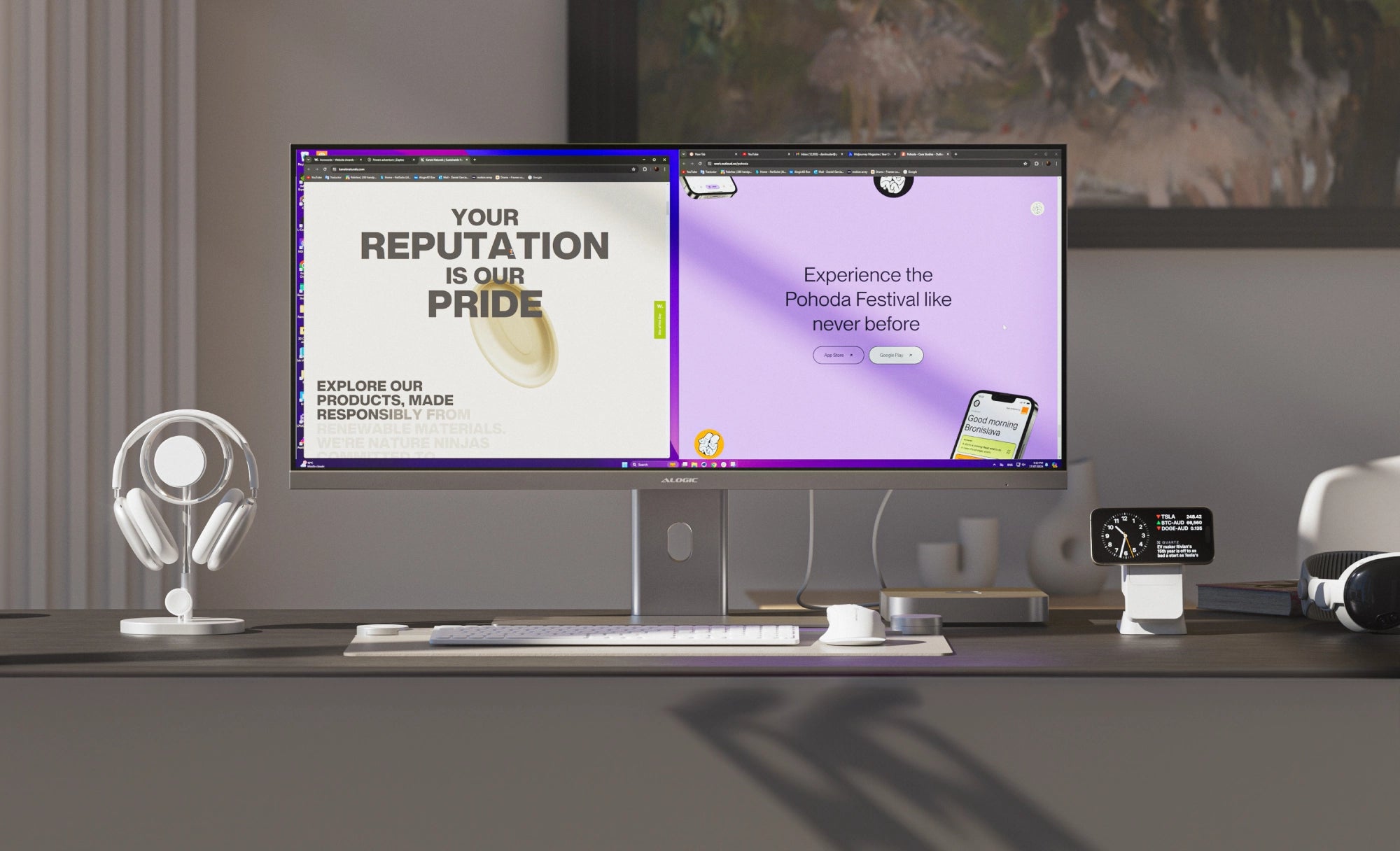
With apps snapped to the left and right, Edge delivers all the benefits of a dual monitor setup without the hassle of juggling windows.

Smooth Scrolling

Edge's 100Hz refresh rate simply makes it more pleasant to use than 60Hz screens, with flowing motion and less flickering.

The Heart of Your Workspace
3440x1440
Resolution
100Hz
Refresh Rate
21:9
Aspect Ratio
178°
Viewing Angle
400 nits
Max Brightness
16.7
Million Colours
Cutting Edge Connectivity

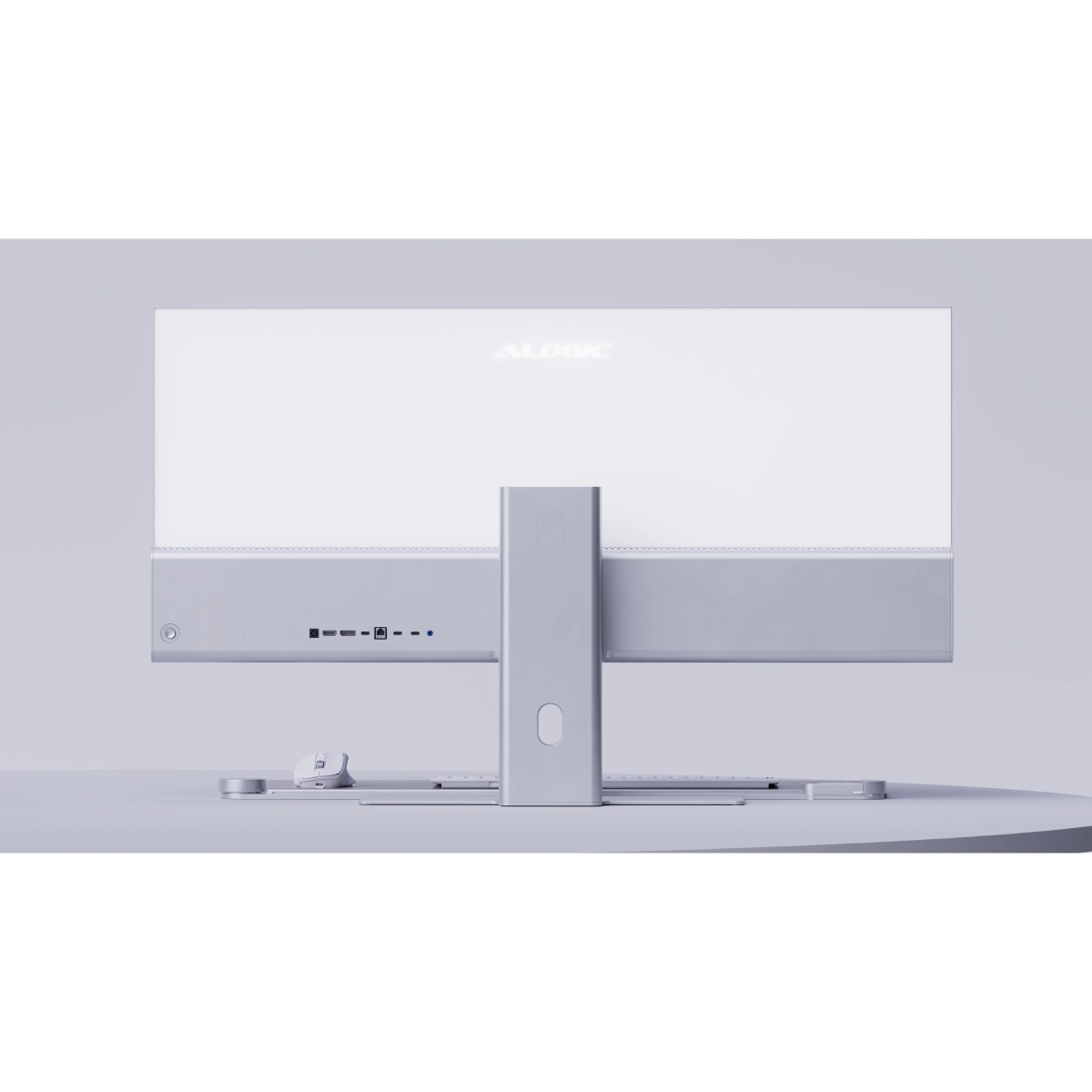
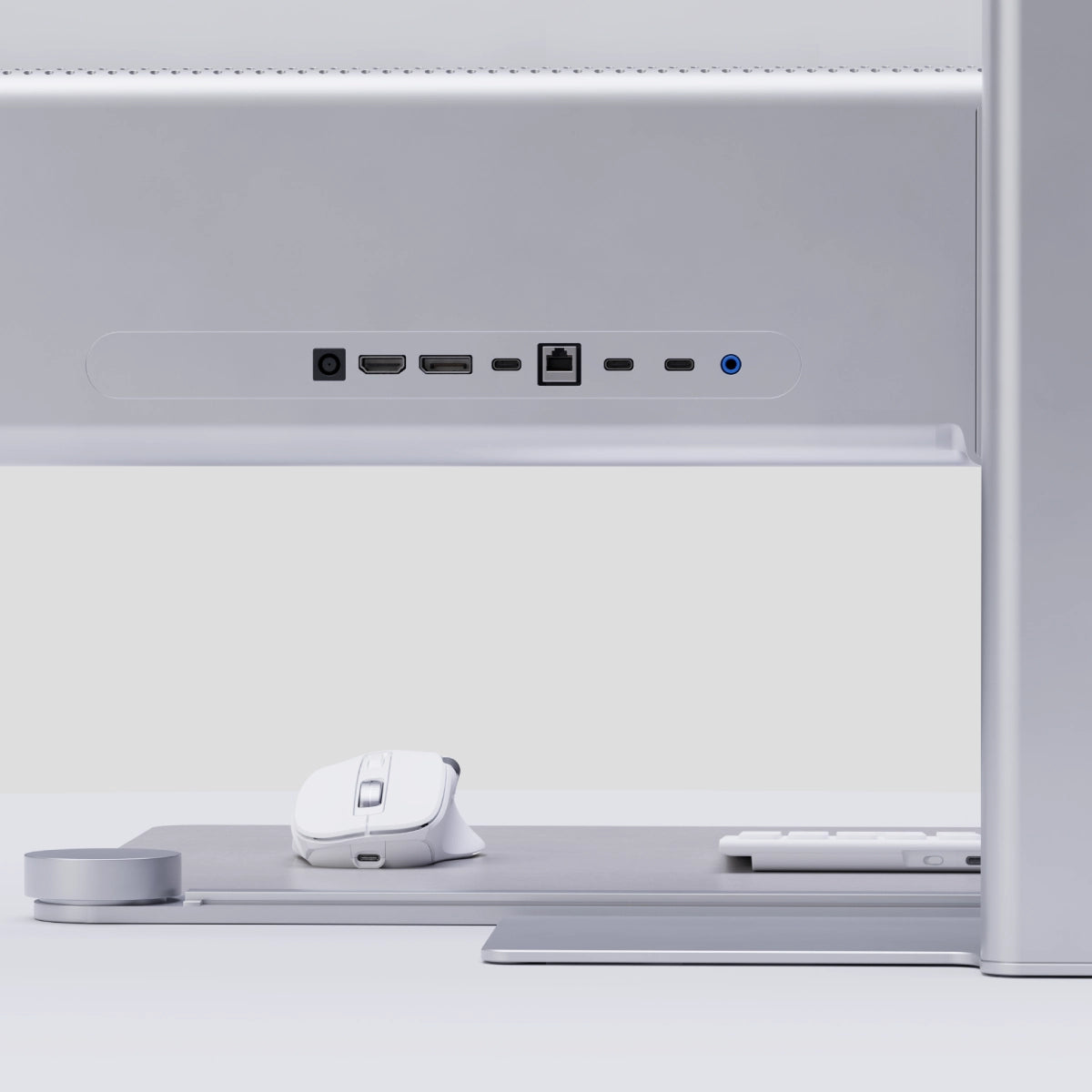
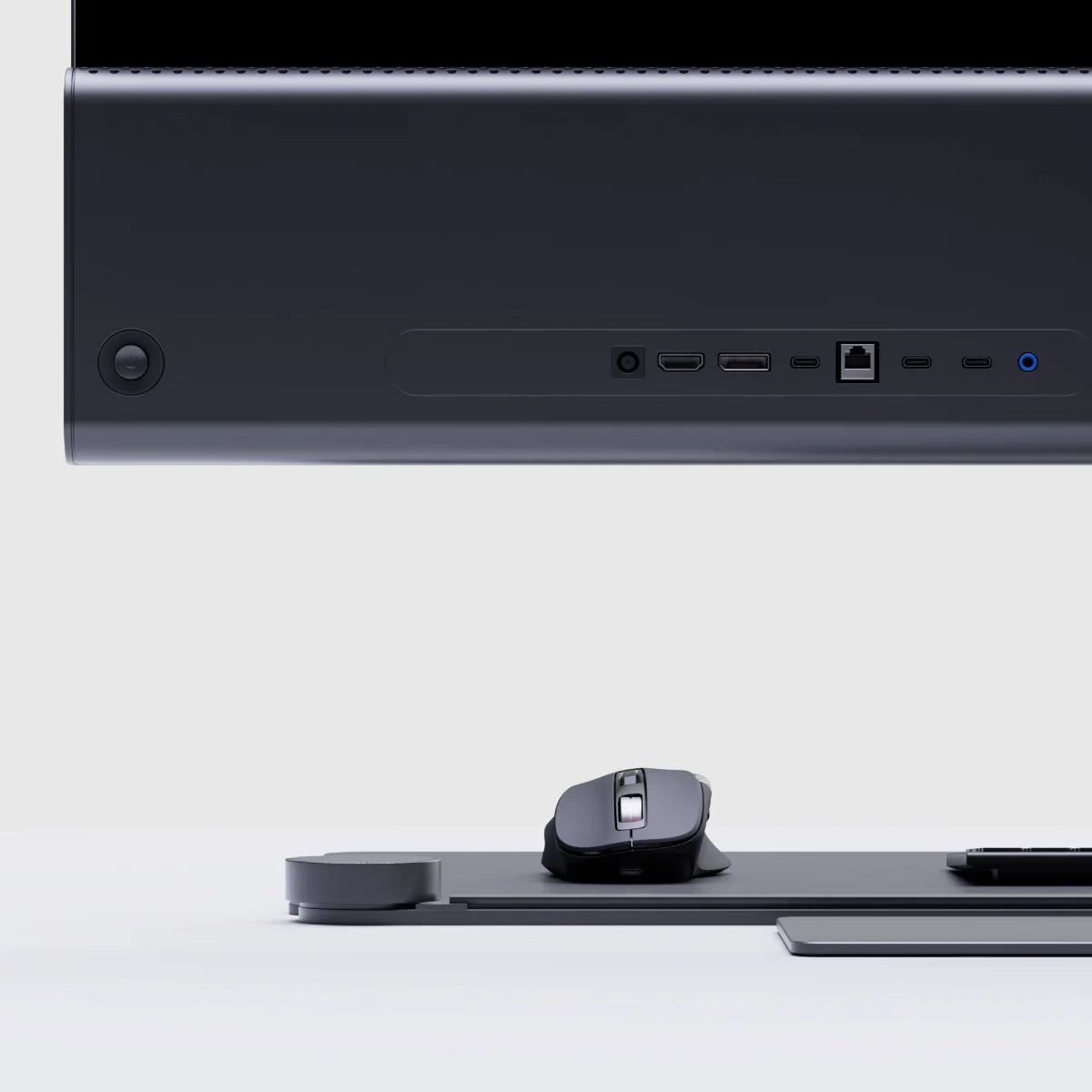
Edge’s inbuilt USB-C hub has everything you need to get things done.

Style Meets Substance
Multitasking

Edge’s 3440x1440 resolution has plenty of space for your two favourite apps to sit side by side.
Style

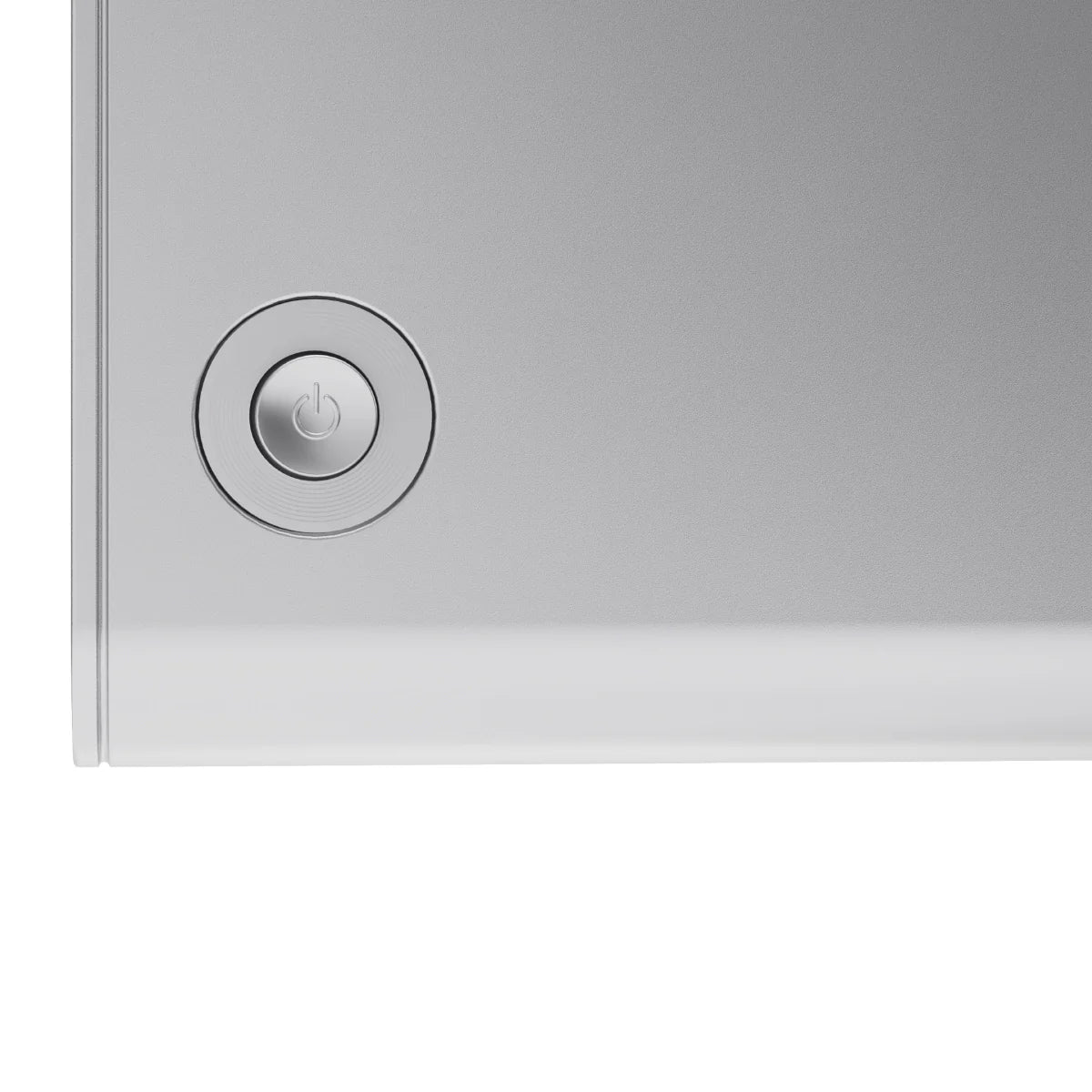
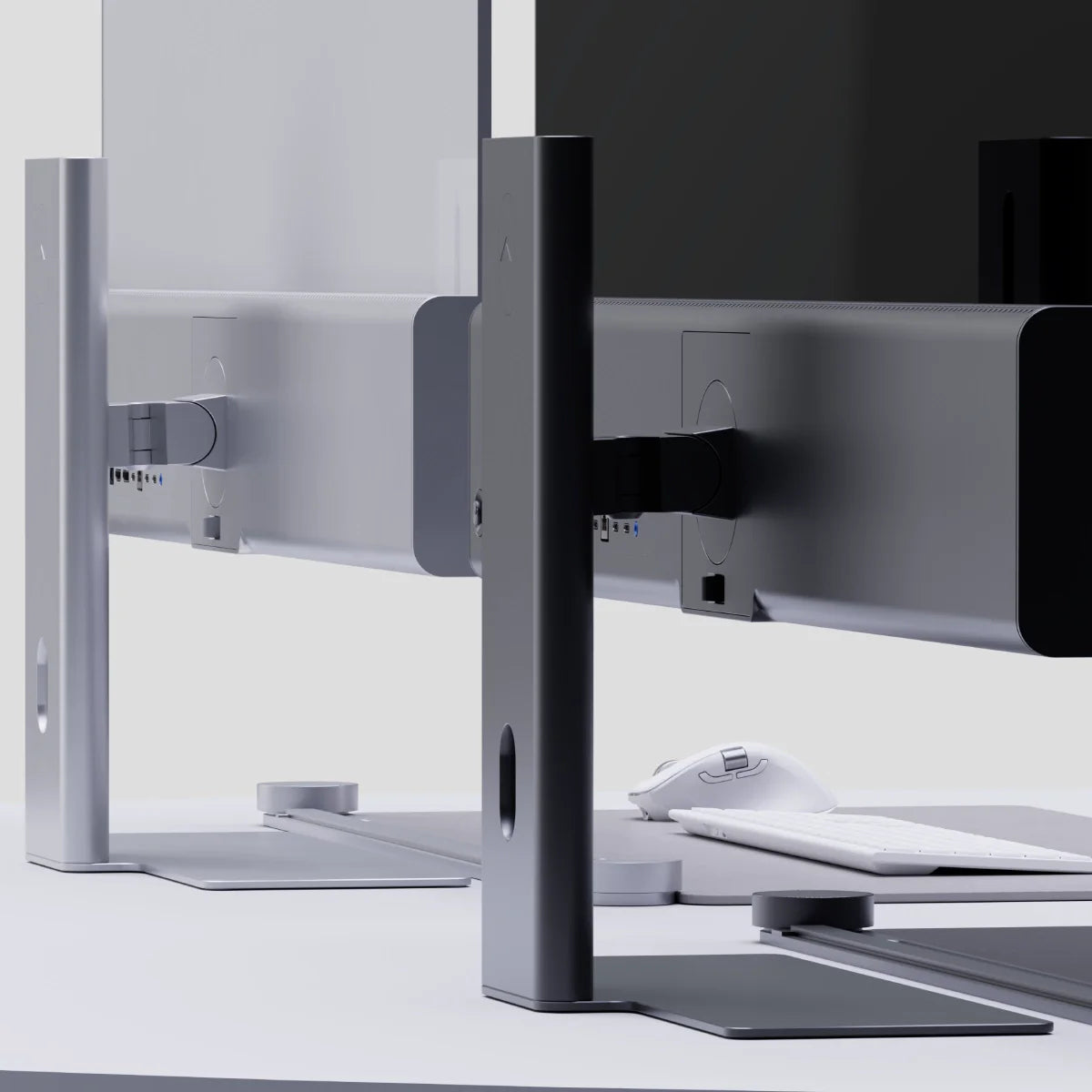
Beautifully tempered glass and expertly finished aluminium create Edge’s timeless aesthetic.

Connectivity

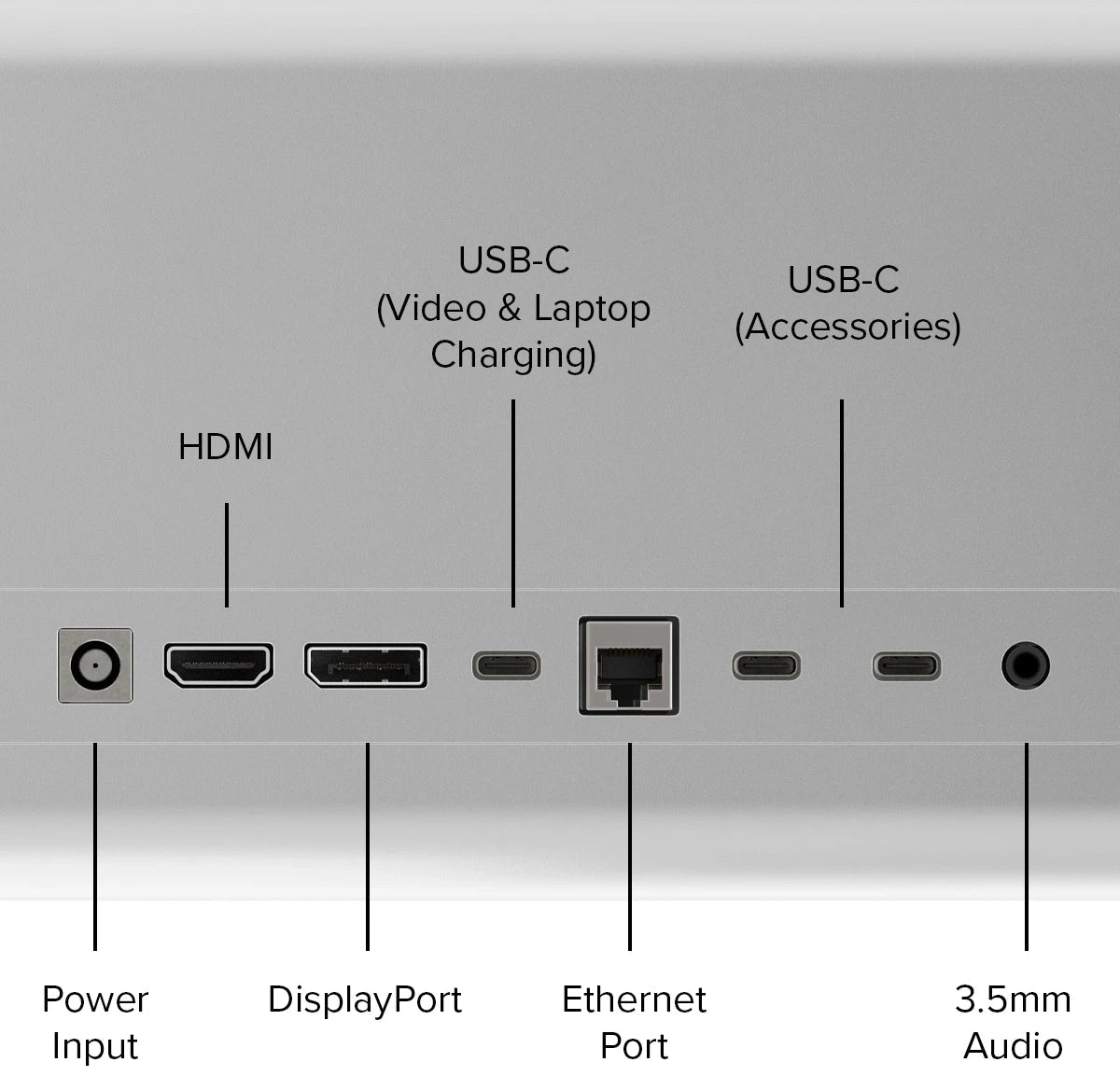
Edge has ports for three video options, laptop charging, two USB-C accessories, audio and Ethernet.

Elegance in Every Millimetre

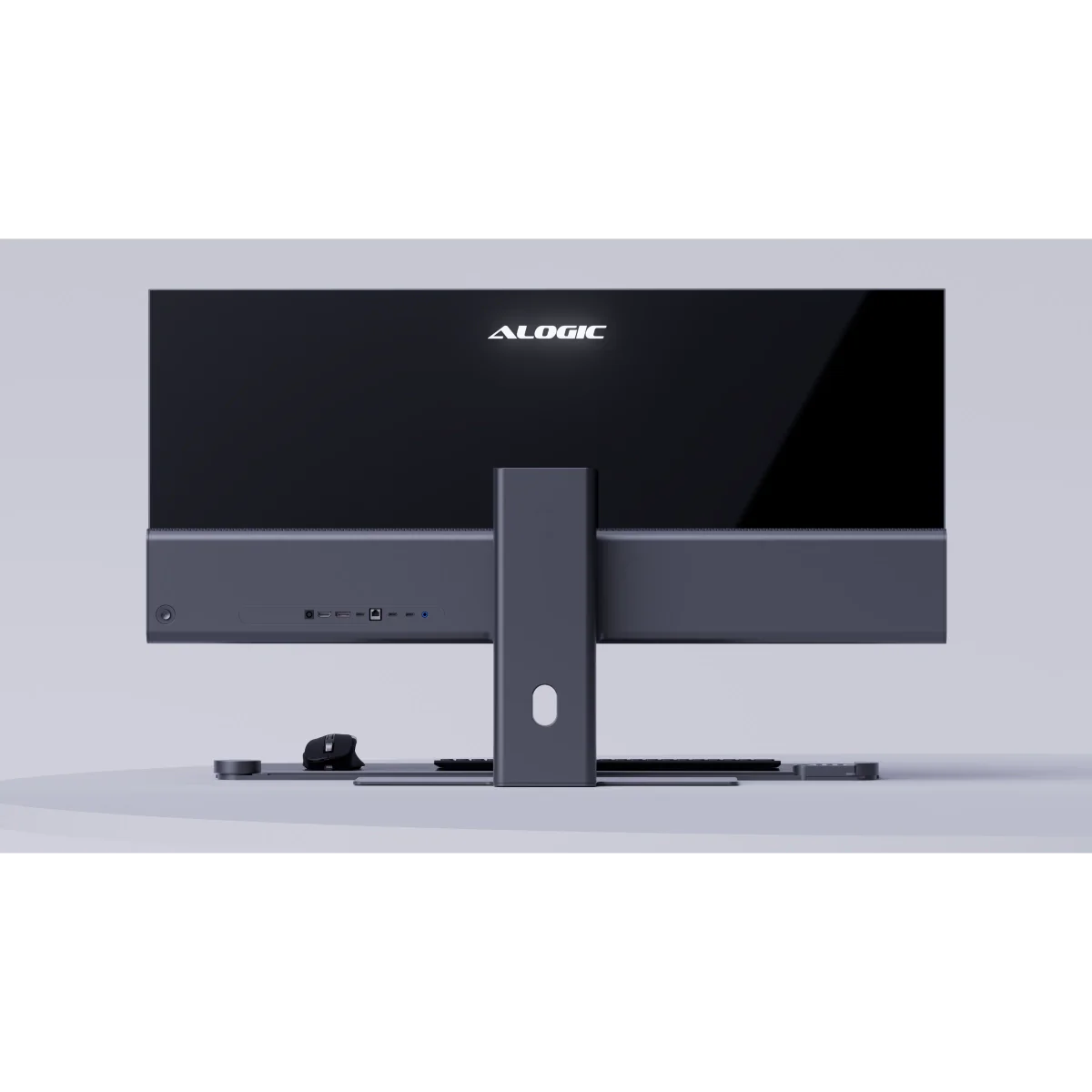
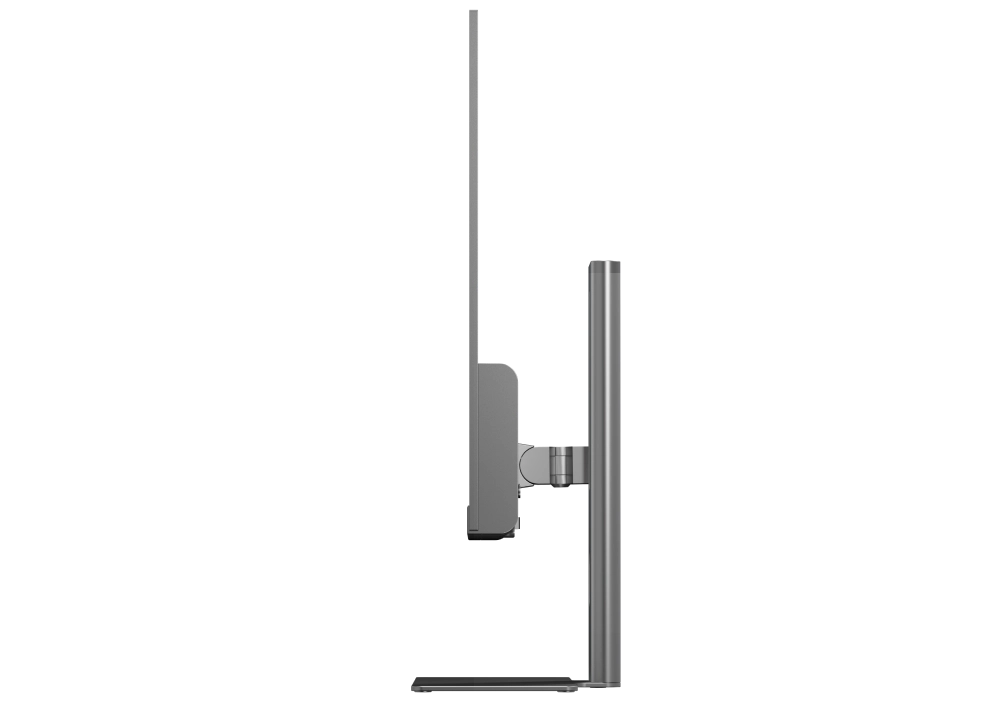
Edge’s sleek design echoes the devices you already love, while its unbelievably thin screen charts a bold new course for monitors.

Matches Your Mac

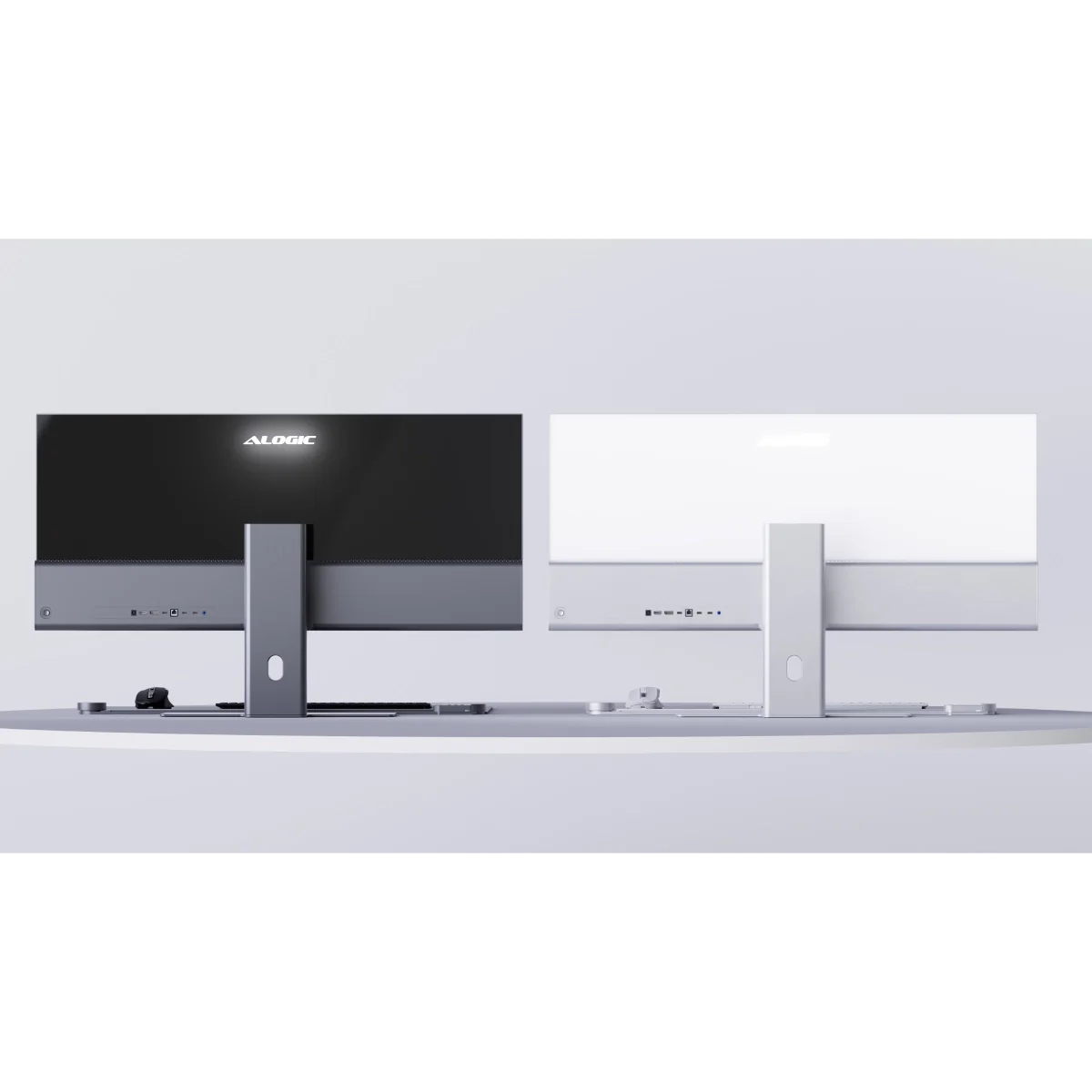
With Silver and Space Grey options, Edge is the perfect companion for your MacBook, Mac Mini or Studio.

The Perfect Desktop

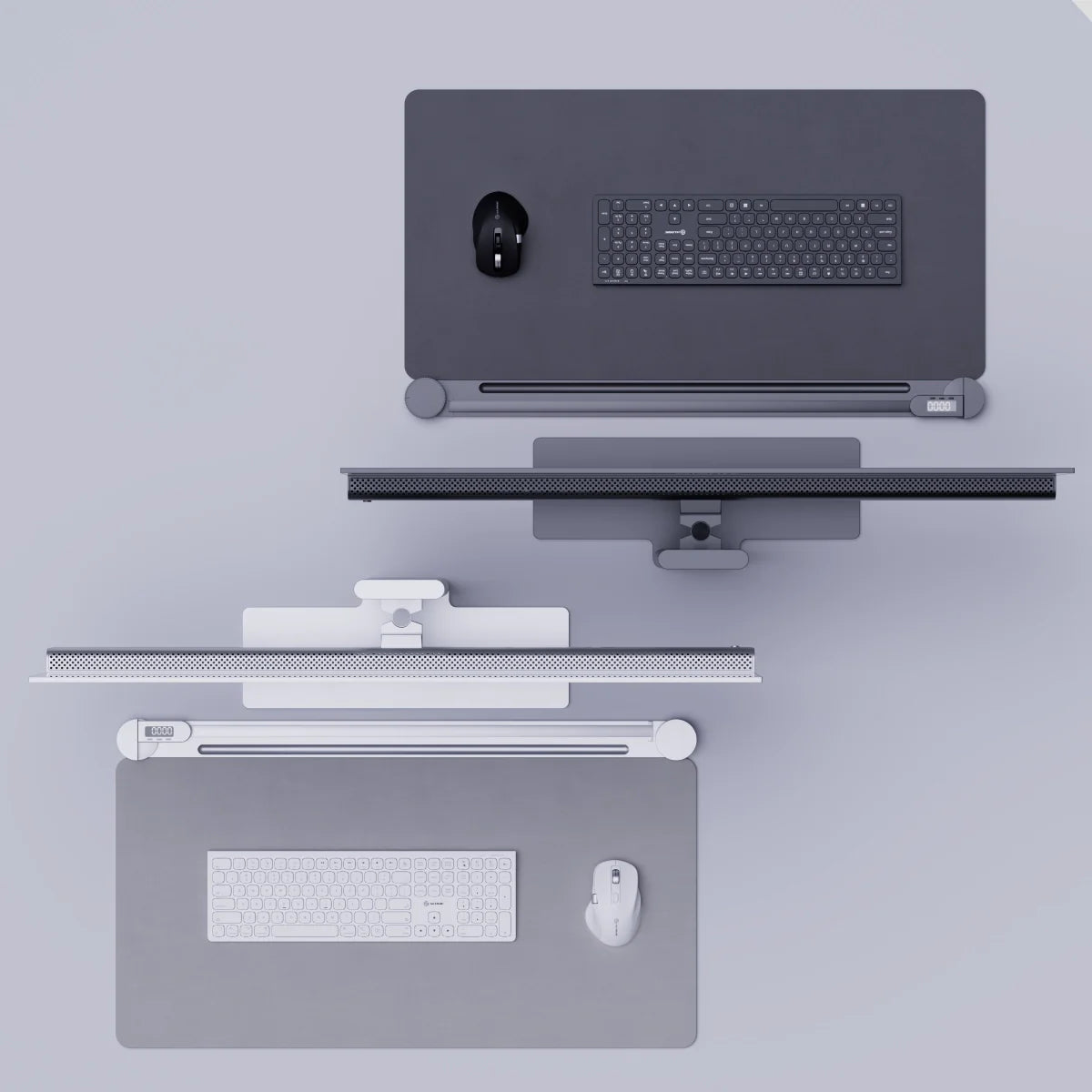
Edge is the perfect aesthetic complement to our growing range of mice, keyboards, ergonomic laptop mounts and wireless chargers.

Cutting Edge Design

Expertly crafted from beautifully tempered glass and machined aluminium, the only thing more spectacular than Edge's 8mm thin frame is its bright ultrawide screen.

Cutting Edge Sustainability

To safeguard the planet, Edge is engineered from 80% recycled aluminium and sustainable glass, reducing harmful plastic while maximising energy efficiency.

Multitasking Made Easy

With updates to Mac and Windows, arranging apps is easier than ever before. To snap two windows side by side, simply grab and drag an app to the left or right edge of the screen and wait for the translucent half-screen preview to appear, then let go.

For more complex layouts as well as some handy tips and tricks, we recommend taking a look at Microsoft and Apple’s official guides to window arrangement.

Safe and Secure

Edge’s Kensington Security Slot (K-Slot) keeps monitors safe down when deployed on hot desks, in shared working spaces or in difficult-to-secure customer-facing environments.

Elevate Your Office
Frequently Asked Questions

General

Does Edge support VESA Mounting?
Yes, Edge supports 100x100mm VESA mounts. As a larger monitor, it’s important to check your monitor stand will support Edge to avoid damaging your monitor.


Edge 34”: 815*41*367mm, 6kg
Edge 40”: 941*41*419mm, 7.4kg
How should I connect Edge to my computer?
If your computer supports USB-C video (Thunderbolt or DP Alt Mode) we recommend using the included USB-C cable to connect to Edge, as this will also connect your computer to Edge’s Ethernet and USB-C accessory ports as well as power delivery. If your computer does not support this, HDMI and DisplayPort will both give you a full quality picture using Edge.
How do I charge my laptop with Edge?
To charge your laptop via Edge (up to 90W), simply connect it to the monitor via a USB-C cable which supports the required wattage. However, it does need to plug into a USB-C port compatible with PD (Power Delivery) on your computer. These can sometimes be identified by the presence of a battery icon next to the port on your laptop, but often you’ll need to check the user manual or manufacturer’s website to figure out which USB-C ports support PD. All Thunderbolt 3 and 4 ports support PD.
Does Edge work with Mac, Windows, Chromebook and Linux?
Yes, Edge monitors have been tested with all major operating systems.
Can I disable the “ALOGIC” light on the rear of the monitor?
No, the ALOGIC light cannot be manually turned off or on.
My Edge monitor does not have a Kensington Security Slot!
The earliest batch of Edge monitors do not include a K-Slot.

Compatibility

What locks is Edge’s Kensington Security Slow compatible with?
Edge’s Security Slot should be compatible with all standard K-Slot locking systems, but not Kensington Nano or Kensington Wedge locks.

Compatibility

What locks is Edge’s Kensington Security Slow compatible with?
Edge’s Security Slot should be compatible with all standard K-Slot locking systems, but not Kensington Nano or Kensington Wedge locks.
  • 5 stars: 7 (78%)
  • 4 stars: 1 (11%)
  • 3 stars: 1 (11%)
  • 2 stars: 0 (0%)
  • 1 star: 0 (0%)
E
Eduardo Egea
Customer Experience

I absolutely love my ALOGIC monitor! The design, image quality, and overall experience have been excellent. However, I wish the customer service experience had been equally impressive.

I first discovered ALOGIC through an Instagram advertisement and was immediately drawn to the 40-inch monitor featured in the video. Excited about the product, I proceeded with my purchase, not realizing that the monitor I was ordering was actually the 34-inch model.

As soon as I recognized my mistake, I contacted ALOGIC by email, explained what had happened, and expressed my desire to upgrade to the 40-inch model. Unfortunately, I wasn’t given the opportunity to correct my order, even though I reached out immediately.

While I have since grown to love my 34-inch monitor and am genuinely pleased with its performance, I believe this was a missed opportunity for ALOGIC to deliver an exceptional customer experience.

Great products build customer satisfaction, but great customer service builds lasting loyalty.

I remain very impressed with the product and hope ALOGIC will consider making its purchasing and order-correction process more accommodating in the future.

T
Thomas Frieser
Best

Perfect deal, I’m very happy

R
Review from Japan
素晴らしい製品だが、日本への配送には難あり

34インチワイドモニターを購入し、1カ月ほど使用してのレビューです。

製品自体には大変満足しています。これまで3枚のモニターを並べて使っていましたが、1枚のワイドモニターのほうがはるかに仕事がはかどります。
たとえば2つのファイルを眺めながらの作業や、横長のスプレッドシートの編集はこのモニターなしではもうやる気になれません。
製品の外観は背面までも美しく、映像品質も期待通り、USB type Cケーブル1本で映像出力とラップトップの給電ができ、デスクをきれいに保てます。

ただ、配送関係でいくらか問題がありました。
- 配送が大変遅かったです。日本への輸出のご経験がないのか、輸出申請に時間をとられていたようで、注文から2カ月後に手元に届きました。
- 初回配送時に同梱された電源ケーブルがモニターに合っていなかったのと、プラグ形状が日本のコンセントに合っていなかったです。これらは単純なミスだと思われます。幸いにも新たな電源ケーブルは無料でいただけましたが、到着までさらに1ヶ月を要し、結局、発注から3カ月後にモニターが使えるようになりました。
サポートは(英語のみですが)しっかりとしているので、その点は安心できました。

製品自体は大変素晴らしいので、こうした配送に関するオペレーションを受け入れられる、あるいは改善されるならば、誰にとっても検討の価値があると思います。次にモニターを買うことがあれば、もう一度Alogicの製品を優先候補にすると思います。

A
A.P.

Was generally happy with the unit, but after 3 months it had started to have screen flicker so i will be starting the support process to try resolve the issue.

P
Payam Mokhtarian
Great design and good screen quality

The monitor has a great design and the screen quality is good. However, with this price tag the build quality is poor specially the stand and the speakers are almost useless.

K
Klaus Reinhold
The best

The best

M
Mike P.
Great monitor for multi-tasking

The monitor is bright and sharp. Great design and adjustability - height, tilt and turn. I run a Mac-mini and a Microsoft Surface on screen at the same time (picture beside picture). My surface is older so it won’t charge with USB-C but I don't use it all the time so it isn't too much of a concern. I wish there was a way to toggle from single monitor to picture beside picture in fewer steps. The build quality is lovely and the weight of the stand makes it all feel very solid. I've gotten lots of compliments on it from colleagues.

A
Ave
Check out those curves

I want the curvy kinda wrap around screen I'm currently pushing one curved and one flat together! Learning how I get sound was a challenge getting my wife to agree to a new monitor well that's ganna be interesting

Collectibulldogs is an organic back link builder

D
Dmytriy Pereklita
Nice but better instruction manual please

Monitor is very nice but a getter manual or online instructions are needed. I cannot use the full width of the monitor without major distortion. This is not ideal. Also it is not clear how to partition the monitor into multiple windows. Please advise
Thanks