Skip to content
🖥️ Tech Essential Sale | Up to 50% Off
⌛ Limited Period only
AU
Cart
Connect up to Two 4K Displays

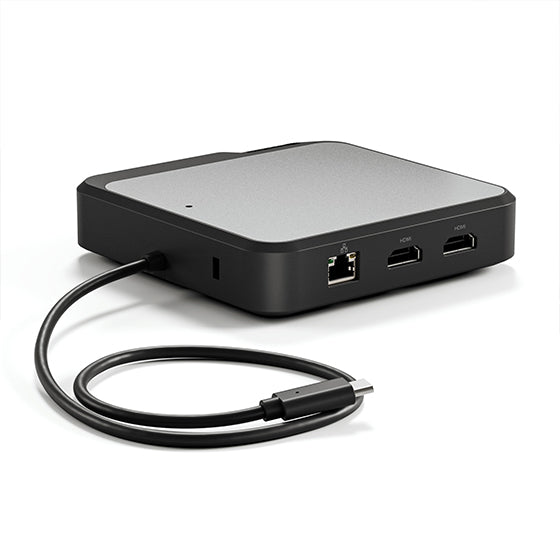
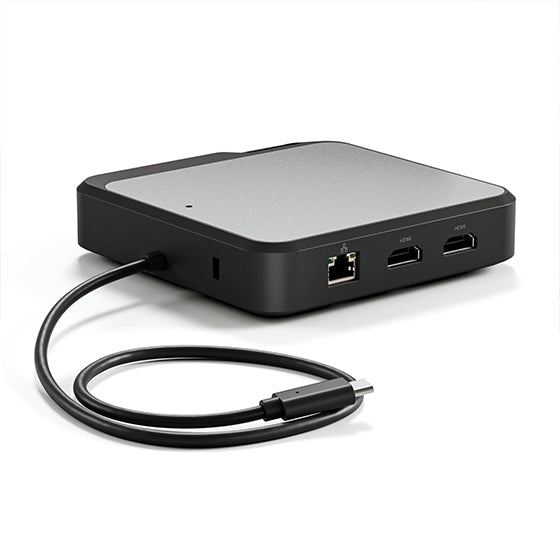
ALOGICÕs Dual 4K Universal Compact Docking StationÕs twin HDMI outputs enable you to connect two external displays at resolutions up to 4K.

The dockÕs inbuilt DisplayLink technology ensures you experience the highest-possible screen resolutions for your computer monitor, regardless of your computer model, or whether you connect to USB-A or USB-C ports.

When you expand your screen real estate with the CH2, you have better oversight of your work. This oversight can improve your efficiency and productivity.

Comprehensive Connectivity for Your Desk

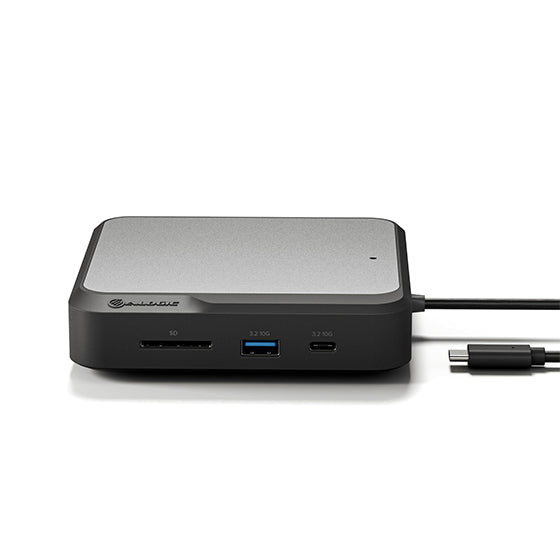
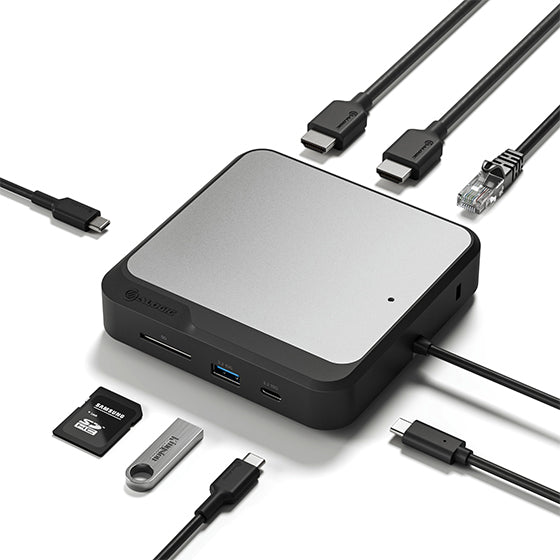
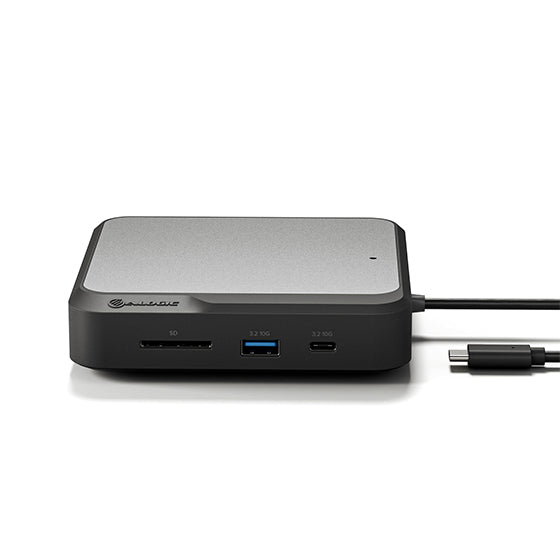
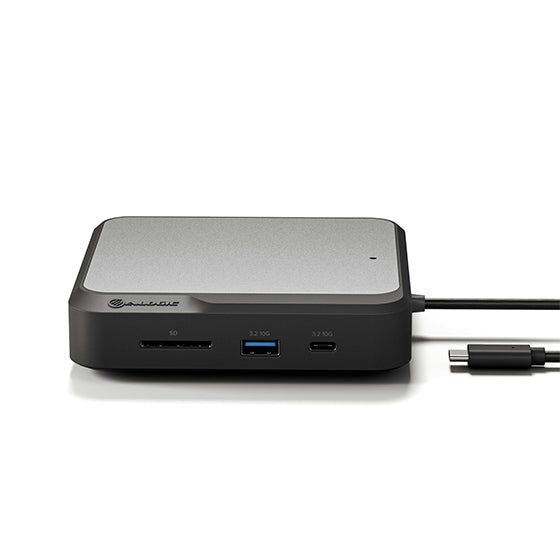
The CH2Õs comprehensive suite of high-performing ports supports the versatile connectivity needs of homes, schools, and businesses. The dockÕs USB-A [3.2 Gen 2, 10Gbps] and USB-C ports [3.2 Gen 2, 10Gbps] keep essential USB accessories such as external drives, scanners, keyboards, and mice humming.

Connect your laptop to the CH2 for up to 100W pass-through charging [when the CH2 is connected to an external power adapter], and connect to the Internet with Gigabit Ethernet when security and stability are paramount. The CH2 also features an SD 4.0/UHS-II Card Reader, so you can rapidly transfer your bulky multimedia libraries to and from the dock.

Passthrough Charging While You Work

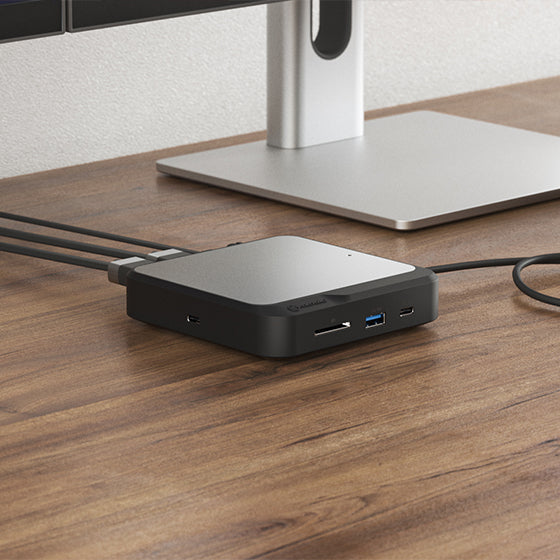
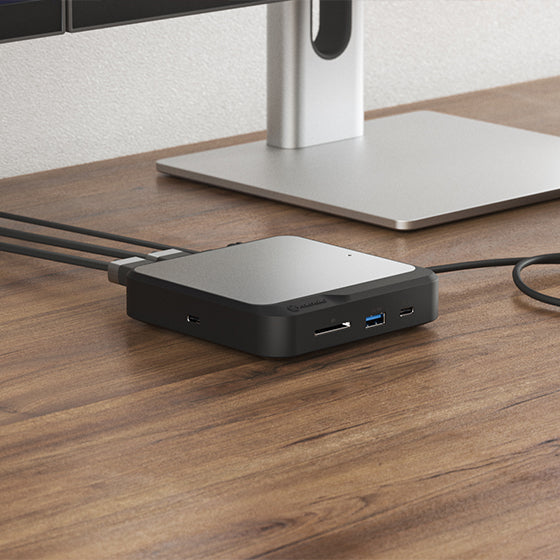
The compact CH2 is built to fast-charge your laptop with up to 100W power delivery while you run multiple displays, USB accessories, and Ethernet, all over a single USB-C cable*. All you need to do is plug your laptop in when itÕs time to get to work, and unplug when itÕs time to take your laptop on the road.

*When connected to a host computer with USB-C ports that support USB Power Delivery, the CH2 will connect peripherals and charge the laptop over a single USB-C cable. USB-A enabled laptops can be charged from the dock using the ALOGIC DCAP-SPL USB-C Data + Power Splitter (available separately).

When you need your laptop for mobile work, the CH2 docks can also operate by connecting directly with your computerÕs USB port [without an external power supply]. However, factor in that the docksÕ USB-C ports are inactive in the absence of a power adapter connection, due to power constraints.

Frequently Asked Questions

General

What resolutions and how many screens does this support?
This dock can connect you to up to 2 x 4K UHD screens at 60Hz (2x 4096x2160 at 60Hz maximum).
Does this require an external power adapter? How fast can it charge my laptop?
The DUCD2 can be directly powered from your computer, however, with a 100W USB-C PD power adapter connected (sold separately), the DUCD2 can supply up to 78W of power to recharge your laptop.

The dock's USB-C data port will also be disabled when not connected to external power.
Does the CH2 require any additional software installation?
The CH2 uses the DisplayLink chipset and requires the DisplayLink software to be installed on the connected laptops. DisplayLink software is free to download via - https://www.synaptics.com/products/displaylink-graphics/downloads
What are the requirements to achieve 4K displays with the CH2 dock?
To achieve 4K displays, the CH2 will need to be connected to a 4K monitor and have adequate display cables rated for 4K resolutions.
Using the USB-C connection will provide better display options compared to the older USB-A connection.
What maximum video resolution does the ALOGIC CH2 HDMI Edition support?
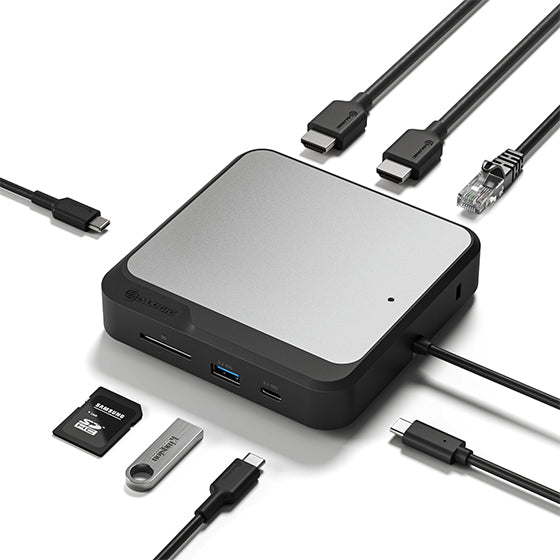
The ALOGIC CH2 Compact Docking Station supports dual 4K @ 60Hz external displays simultaneously through its twin HDMI outputs, enabling extended multi-monitor desktop setups across both Windows PCs and MacBooks.
Can I run dual extended 4K monitors on base M1, M2, and M3 MacBooks with the CH2 dock?
Yes. Base M1, M2, and M3 MacBooks natively limit external display output to a single screen over standard USB-C. Because the ALOGIC CH2 Dock utilizes integrated DisplayLink technology, installing the free DisplayLink driver enables base Apple Silicon MacBooks to drive two extended 4K @ 60Hz displays.
Does the ALOGIC CH2 dock charge my laptop while connected?
The CH2 dock is bus-powered for portable use, but it features a dedicated USB-C Power Delivery (PD) input port. When you plug an external USB-C PD power adapter (up to 100W) into the dock, it delivers up to 85W pass-through charging to fast-charge connected USB-C laptops.
Can I use the CH2 dock with older laptops that only have USB-A ports?
Yes. Using a USB-C to USB-A adapter, you can connect the ALOGIC CH2 Dock to legacy USB-A laptops. DisplayLink technology enables dual 4K display output and full port expansion over USB-A; however, pass-through laptop charging is not available over USB-A connections.
Do I need to install software or drivers to use the CH2 HDMI Dock?
Yes. To activate dual 4K display output across macOS, Windows, and ChromeOS, you must download and install the free Synaptics DisplayLink driver. Peripheral data ports, Ethernet, and card readers work without additional drivers.
What ports are built into the ALOGIC CH2 Compact Docking Station?
"The ALOGIC CH2 Dock packs essential connections into a compact desktop footprint:
Video: 2x HDMI outputs (Dual 4K @ 60Hz).
Data Transfer: 1x USB-C 3.2 Gen 2 (10Gbps) and 1x USB-A 3.2 Gen 2 (10Gbps).
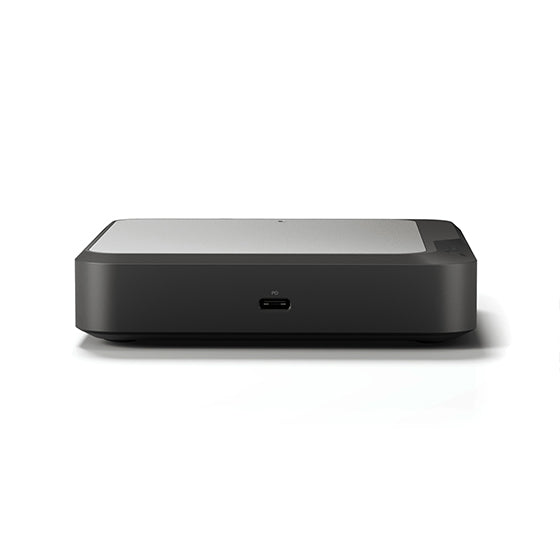
Power: 1x USB-C PD Input (Supports up to 100W power input).
Networking: 1x RJ45 Gigabit Ethernet port (1Gbps).
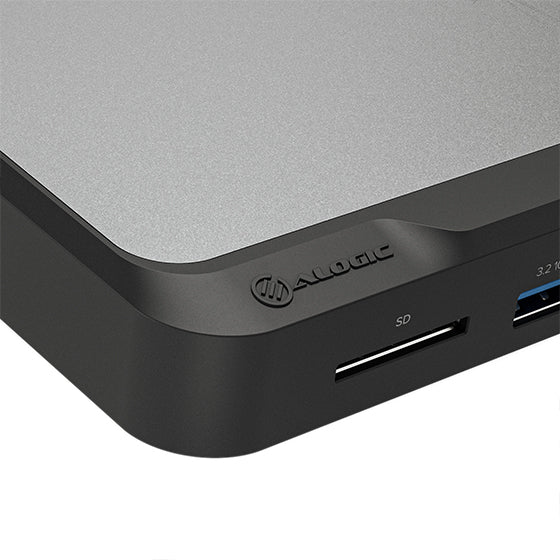
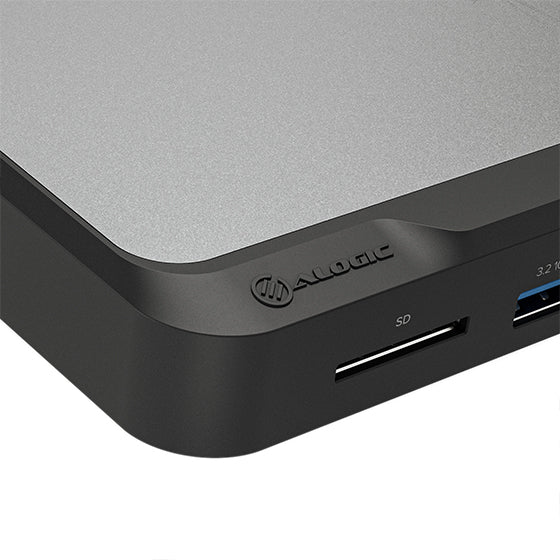
Storage: SD and MicroSD 4.0 UHS-II card readers."

Compatibility

Does the CH2 support MacBooks, Windows & Chromebook laptops?
The CH2 can support MacBooks (even M1 MacBooks), Windows & Chromebook laptops.
The USB-C cable that comes with the CH2 also has a USB-A adapter so this dock can be used on older generation laptops.
What sort of Video cables are compatible with the CH2 dock?
The CD2 has two HDMI output connections for connected display monitors.
We recommend using direct HDMI to HDMI cables from the dock to the monitor where possible.
I have Thunderbolt 3 & or 4 ports on my laptop – will this be compatible with the CH2 dock?
Thunderbolt 3 & 4 ports use the same connector as USB-C. Hence, the CH2 is compatible with laptops that have Thunderbolt 3 or 4 ports however it won't be able to achieve Thunderbolt data transfer rates.

Compatibility

Does the CH2 support MacBooks, Windows & Chromebook laptops?
The CH2 can support MacBooks (even M1 MacBooks), Windows & Chromebook laptops.
The USB-C cable that comes with the CH2 also has a USB-A adapter so this dock can be used on older generation laptops.
What sort of Video cables are compatible with the CH2 dock?
The CD2 has two HDMI output connections for connected display monitors.
We recommend using direct HDMI to HDMI cables from the dock to the monitor where possible.
I have Thunderbolt 3 & or 4 ports on my laptop – will this be compatible with the CH2 dock?
Thunderbolt 3 & 4 ports use the same connector as USB-C. Hence, the CH2 is compatible with laptops that have Thunderbolt 3 or 4 ports however it won't be able to achieve Thunderbolt data transfer rates.